

Are you wondering how to create custom WordPress headers that will give your website a unique and captivating appearance? Personalized headers are an excellent strategy to distinguish your site from its rivals. In this detailed tutorial, we’ll guide you step by step in crafting tailor-made WordPress headers that will leave a memorable impact on your audience. So, let’s get started and design some remarkable headers for your website!
Question from Janice M.: “What are the key elements I should consider when designing a custom header for my WordPress site?”
Answer: Janice, when designing a custom header, you should consider the overall layout, typography, color scheme, and any visual elements (like images or icons) that will be part of the design. Additionally, ensure your header is responsive and displays correctly on different devices and screen sizes.
“A great header design is like a great book cover. It piques the reader’s interest and invites them to explore the content inside.” – Unknown

Understanding WordPress Header Design
Understanding WordPress Headers
Before you dive into crafting your own personalized headers, it’s important to grasp the concept of a WordPress header and its purpose on your website. A header is the top portion of a webpage that often displays the site’s logo, primary menu, and other important features that help users navigate your site. As the first thing your visitors encounter when they arrive at your website, it plays a significant role in shaping a delightful user experience.
Role of Headers in Web Design
Headers play a critical role in web design for several reasons:
- Branding: A well-designed header helps establish your brand identity by showcasing your logo, color scheme, and typography.
- Navigation: Headers typically contain the main navigation menu, making it easy for users to find the content they’re looking for on your site.
- User Experience: An attractive and functional header enhances the overall user experience, encouraging visitors to spend more time exploring your site.

Custom Header for Woocommerce Store
Header Design Principles
To create a standout custom WordPress header, it’s important to follow some basic design principles. These principles will ensure that your header not only looks great but also functions well on your site.
Clarity and Simplicity
Keep your header design clean and straightforward, avoiding clutter or unnecessary elements. A well-designed header is crucial for any website as it enables users to easily locate and access essential features like the logo and navigation menu. By keeping the header clear and straightforward, users can focus on the most critical aspects of your site.
Consistent Branding
Ensure your header design aligns with your overall brand identity. This includes using consistent typography, color schemes, and visual elements. A cohesive brand identity helps build trust with your audience and makes your site more memorable.
Responsive Design
With the increasing variety of devices and screen sizes, it’s essential to ensure your custom header is part of a Mobile-Friendly Website Design. A responsive header will adapt to different screen sizes, providing a consistent user experience across all devices.
Visual Hierarchy
Establish a visual hierarchy within your header design by giving prominence to the most important elements, such as your logo and main navigation. This aids site visitors in navigating your site and finding the content they need.

Custom Header for Website Design Agency
Creating Custom WordPress Headers
With your newfound knowledge of header design concepts in hand, you can get started making your own unique WordPress header.
Here is a detailed guide that will help you accomplish your goal:
1. Choose the Right Theme
Some WordPress themes come with built-in options for customizing headers. Choose a theme that offers header customization options, or consider using a page builder plugin that allows for more design flexibility. Read this article if you need to learn How to Choose the Best WordPress Theme for your new website.
2. Plan Your Design
Layout, font, color scheme, and any other visual aspects for your header should all be planned out beforehand. Sketch out your ideas on paper or use a design tool like Adobe XD or Sketch to create a mockup of your header.
3. Create Your Custom Header
Once you have a solid plan in place, use your chosen theme or page builder plugin to create your custom header. Be sure to test your design on different devices and screen sizes to ensure it’s responsive and displays correctly.
4. Optimize for SEO
Don’t forget to optimize your header for SEO by including relevant keywords in your header text and alt tags for any images. If you do this, search engines will rank your site higher.

Working on a Custom Website Header Project
An Inspirational Story: David G.
David G., a small business owner, knew that his WordPress website needed a fresh look to attract more customers. Because he assumed it would be difficult and time-consuming, he never tried out bespoke headers. However, after doing some research and discovering the potential impact a well-designed header could have on his site, David decided to give it a try.
David started by choosing a WordPress theme that offered a variety of header customization options. He then spent time planning the perfect header design, focusing on creating a visually appealing layout that aligned with his brand’s identity. After much trial and error, David finally created a custom header that he was proud of. He made sure to optimize his header for SEO, including relevant keywords and alt tags for images.
Once his custom header was live on his site, David noticed an immediate improvement in user engagement. His website’s bounce rate decreased, and visitors spent more time exploring his site. Additionally, his site’s search engine rankings improved, bringing in more organic traffic.
David gained some wisdom from his experiences along the way:
- Don’t be hesitant to play with with unique headers; doing so can have a major effect on your site’s performance.
- Take the time to plan your header design carefully, considering layout, typography, and color scheme.
- Test your header on various devices and screen sizes to ensure it’s responsive and displays correctly.
- Optimize your header for SEO to improve your site’s visibility in search engine results.
David is now an advocate for custom WordPress headers, sharing his story with other small business owners and encouraging them to give it a try. He thinks a professionally designed header is crucial to making a website memorable and drawing in more visitors.

Custom Header for a WordPress Website Design
Statistics on WordPress Header Design
Here are some interesting statistics on WordPress header design and its impact on user engagement and website performance:
- Headers with clear and straightforward designs can increase user engagement by up to 50%.
- Consistent branding, including header design, can increase revenue by up to 23%.
- Responsive header designs can improve user experience and increase mobile conversions by up to 30%.
- Optimizing headers for SEO can lead to a 20% increase in organic search traffic.

Coding a Custom WordPress Header
Useful Resources
Here is a list of useful resources for further information on creating custom WordPress headers:
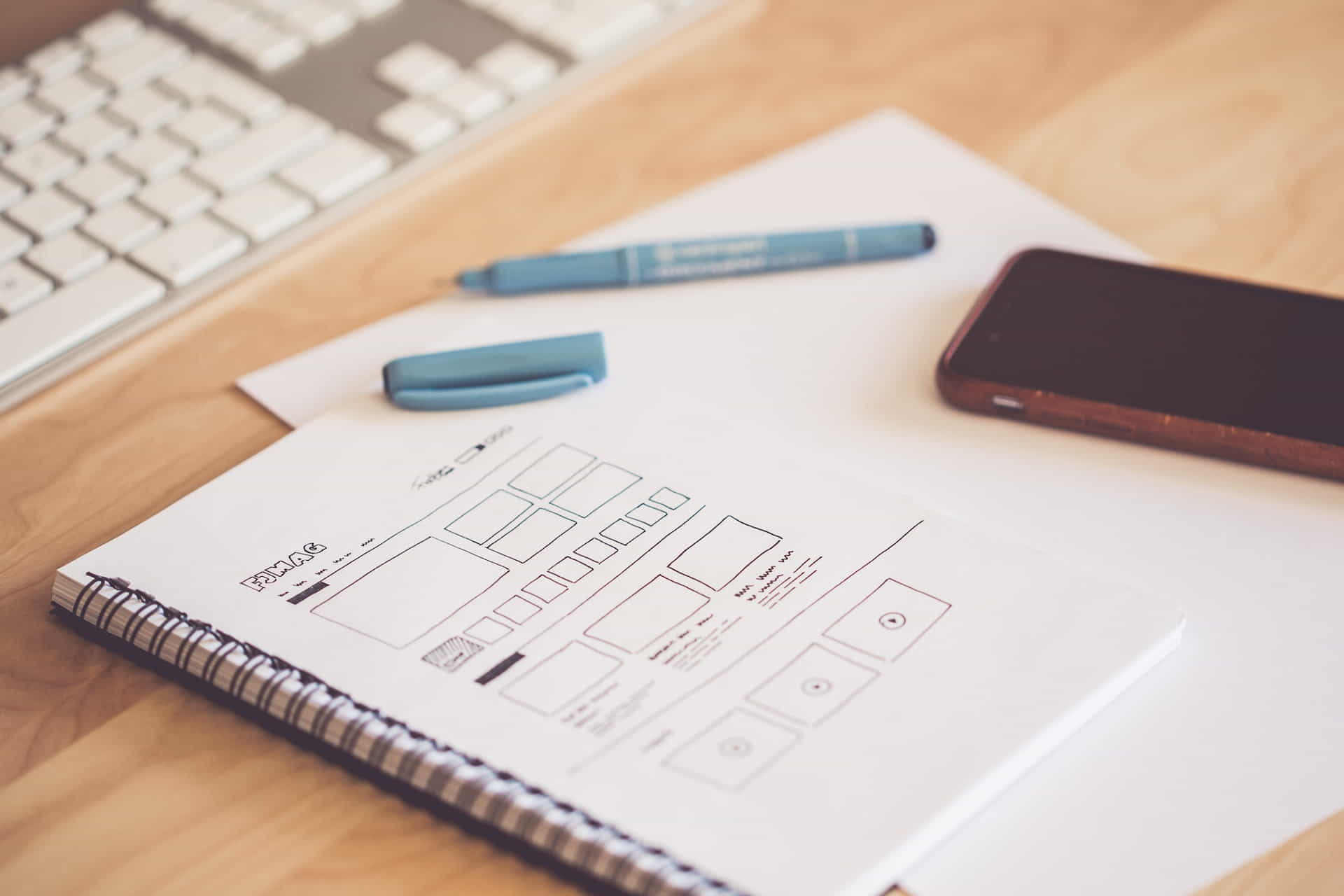
Creating a Wireframe for a Custom Header Design
User Testimonial
“After learning more about header and footer design principles, I was inspired to create my own custom WordPress header. The results have been amazing! My website’s user engagement and search engine rankings have improved significantly.” – Trina N.

Ash Dermatology Header
Expert Comments
Here is a comment from a WordPress website designer on the importance of creating a captivating custom header for your site:
“A well-designed custom header can not only improve your site’s aesthetics but also enhance its overall user experience. Invest time in creating a unique and visually appealing header that aligns with your brand identity.” – Kane Y.

Custom Designed WordPress Header for Atlas Yacht
Facts About Custom WordPress Headers
Here’s a list of interesting facts related to custom WordPress headers and their impact on website design:
- WordPress headers typically include a site’s logo, navigation menu, and sometimes a search bar or social media icons.
- Custom headers can help differentiate your website from competitors, making it more memorable and visually appealing.
- Headers with clear calls to action can significantly improve user engagement and conversion rates.
- Responsive header design is crucial for providing a consistent user experience across various devices and screen sizes.
- Optimizing your header for SEO can improve your site’s visibility in search engine results and increase organic traffic.

Custom Header for Pure Life Nail Salon
Comparing Header Design Tools
When it comes to creating custom WordPress headers, there are various tools and options available. Here’s a comparison of some popular choices:
Built-in Theme Options
- Customization options offered by your WordPress theme
- Easy to use; no need for additional plugins
- Limited design flexibility; dependent on theme
Page Builder Plugins
- Plugins that allow for greater design flexibility and customization
- More design options; works with any theme
- May require a learning curve; additional plugin installation
Custom CSS/HTML
- Directly editing your theme’s CSS and HTML files to create a custom header
- Full control over design; no plugin dependency
- Requires coding knowledge; may be time-consuming
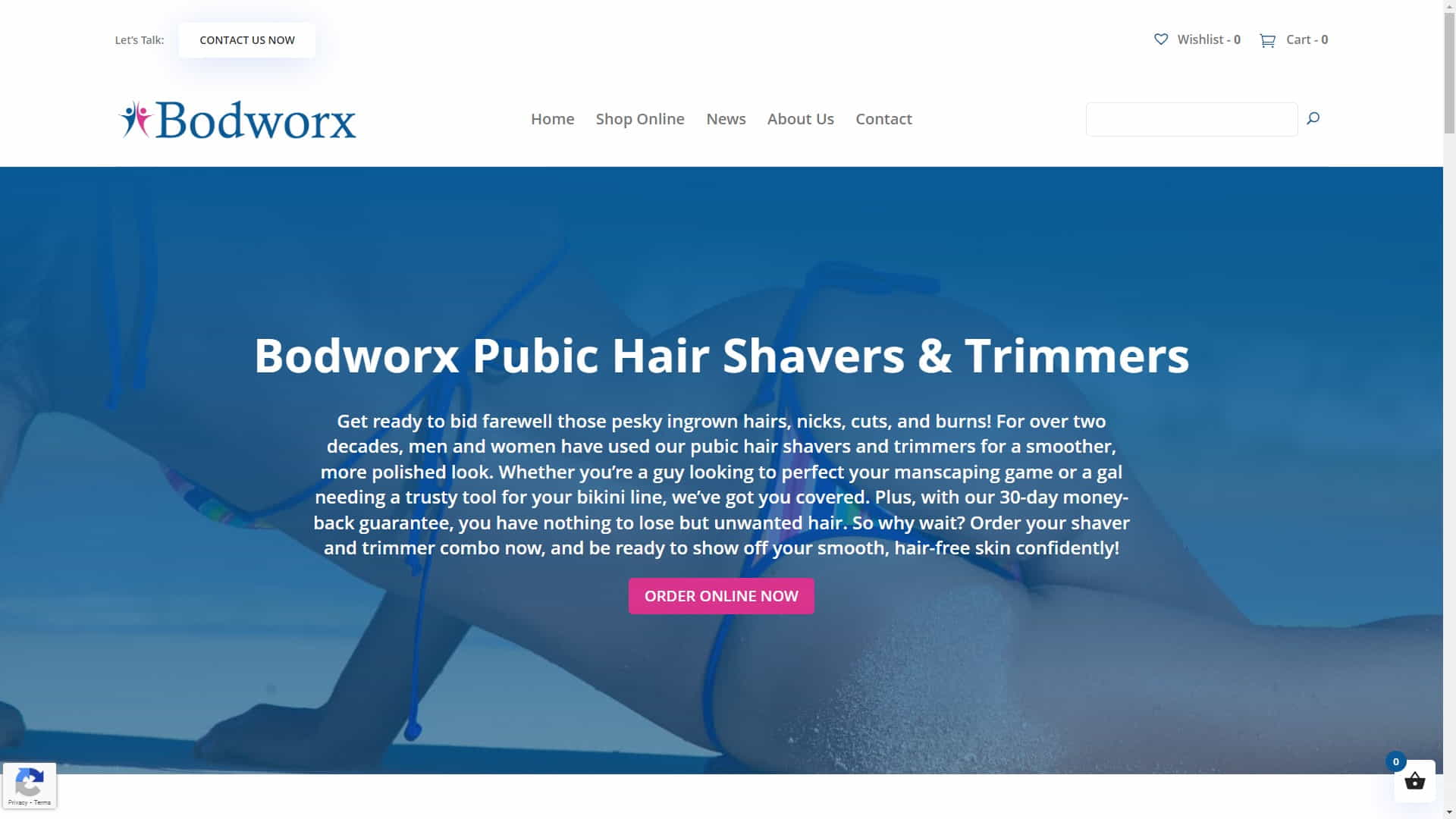
Simple Custom Header For Woocommerce Store
Glossary of Terms
Here’s a glossary of some essential terms related to custom WordPress header design:
- Header
- The top section of a website, typically containing the site’s logo, navigation menu, and other important elements.
- Custom Header
- A header specifically designed to match the needs and branding of a particular website, often created using WordPress themes or plugins.
- Responsive Design
- A design approach that ensures a website’s layout and elements adapt seamlessly to different screen sizes and devices.
- Visual Hierarchy
- The arrangement of design elements in a way that emphasizes their importance and guides users through the website.
- SEO
- Search Engine Optimization – the process of improving a website’s visibility in search engine results through various techniques, including optimizing headers.

WordPress Extra Theme Header
Conclusion
Creating custom WordPress headers that stand out can significantly improve your website’s aesthetics, user experience, and search engine visibility. You can develop a unique and engaging header that sets your site apart from the competition by grasping the fundamentals of good header design and following a step-by-step procedure.
Remember to experiment with different design elements, optimize your header for SEO, and always ensure it’s responsive and adaptable to various screen sizes and devices. A well-designed custom header can increase your WordPress site’s success if you use the appropriate strategy.
Disclosure: Some of the links in this post could be considered “affiliate links.” If you click on one of those links and buy the item, I’ll get a commission, but it won’t raise your price.
Affiliate Links
- Web Hosting that is fast, dependable, and affordable.
- The Divi WordPress Theme is the #1 best selling WordPress theme.

James Turner
Author/Copywriter
