

It can be difficult to decide which pages are required if you are new to establishing a WordPress website. To assist you, we’ll walk you through the essential pages that every WordPress site should have, explain their importance, and offer recommendations for optimizing them for SEO. Our article discusses important practices like keyword density, long-tail keywords, and ways to improve your site’s user experience and search engine visibility. Each page is critical to the to the functioning of your website since it plays a vital role in providing an engaging user experience.
Question from Mark S.: What are the most important pages to include on a WordPress website?
Answer: The most important pages to include on a WordPress website are the Home, About, Privacy & Terms, and the Contact Us page. Other equally essential pages for your website are the Blog, Services or Products, and Testimonials pages.
“Design is not just what it looks like and feels like. Design is how it works.” – Steve Jobs

Designing an Effective WordPress Home Page
Home Page
When individuals arrive at your website, the initial page they encounter serves as their introduction, making it vital to create a memorable and positive initial experience. Your home page must feature a straightforward and succinct statement of worth, highlighting your offerings and incorporating an inviting directive that steers users in the direction of their subsequent course of action. To enhance your social media presence, consider integrating your website’s homepage into your overall Social Media Strategy. This technique can help increase your visibility and reach.
Key elements:
- Logo and navigation menu
- Clear and concise value proposition
- Compelling visuals
- Call-to-action (CTA)
- Social proof or testimonials
About Page
The About page presents a chance for you to convey your narrative, objectives, and principles, fostering a sense of reliability and confidence among your viewers. This important page should encompass details regarding your history, expertise, and the unique attributes that distinguish you from your rivals.
Key elements:
- Personal or company story
- Mission statement and values
- Team member profiles (optional)
- Relevant achievements or certifications
Privacy Policy Page
An essential addition to your WordPress site is the privacy policy page. This section educates your visitors on the information gathered from them and the methods employed for utilizing, preserving, and safeguarding it. In numerous nations, having a confidentiality agreement is a legal obligation, particularly when your site obtains personal data like email addresses or financial particulars from users.
Terms of Use Page
The terms of use page outlines the rules and guidelines visitors must follow when using your website. This page helps protect your business from potential liabilities and provides a clear framework for users to understand their rights and responsibilities. It typically covers topics like copyright, user conduct, disclaimers, and limitations of liability.
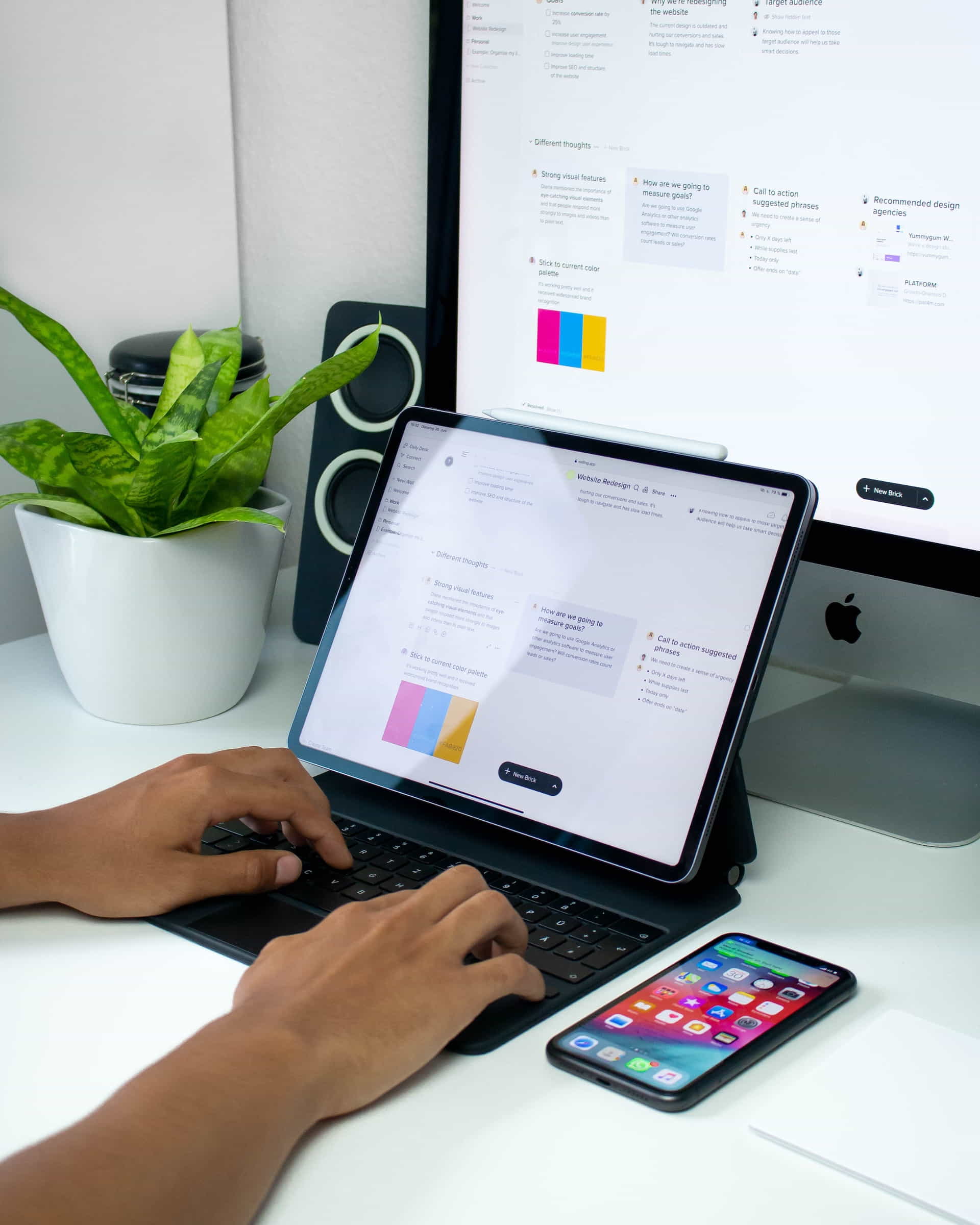
Creating a WordPress Blog Page
Blog Page
A blog may boost your website’s search engine rankings, show off your knowledge, and give your readers something valuable. Regularly posting fresh, relevant content helps attract new visitors and keeps existing users engaged while increasing the chances of your content being shared on social media. You can read our article How Blogging Can Help Your Business for more information on this topic.
Key elements:
- Search bar
- Categories and tags
- Recent or popular posts
- Post excerpts or summaries
- Comment section
Services or Products Page
On this particular page, your offerings, be they products or services, are displayed complete with comprehensive explanations, costs, and any distinctive characteristics or advantages. Incorporating first-rate visuals, video content, or testimonials from clients can amplify the appeal of your offerings, prompting visitors to either make a transaction or reach out to you for further details.
Key elements:
- Product or service descriptions
- Benefits and features
- Pricing information
- High-quality images or videos
- Customer reviews or testimonials (if available)
- Call-to-action (CTA) for each product or service
Testimonials Page
Endorsements serve as a potent variety of social validation that can foster confidence and believability among prospective clients. A specialized page for testimonials ought to display commendations from contented customers, incorporating their names, images, and videos when feasible. This approach furnishes assurance to site visitors that your offerings have garnered the esteem of others.
Key elements:
- Client quotes
- Client names and photos (with permission)
- Video testimonials (if available)
- A clear and concise title or header
Contact Page
It is crucial to have a page dedicated to facilitating seamless communication between visitors and yourself. This page ought to encompass a communication form, an email address, a contact number, and a postal address, if relevant. You should include links to your social media accounts, a map, and directions if you have a physical location.
Key elements:
- Contact form
- Email address
- Phone number
- Physical address (if applicable)
- Social media links
- Map (if applicable)

Kendra Created a Successful Website
Inspirational Story by a Successful WordPress Website Owner
Meet Kendra H., a small business owner who struggled to create a successful WordPress website. After countless hours of research and trial and error, she finally found the perfect combination of essential pages for her site. With a well-organized home page, an engaging about page, and a blog full of valuable content, Kendra’s website started to gain traction.
Her site’s traffic and conversion rates improved, leading to more clients and a thriving business. Kendra learned several valuable lessons throughout this journey, including the importance of understanding her target audience, focusing on user experience, and implementing SEO best practices.
Looking back, Kendra wishes she had known about the importance of these pages sooner. She believes that having a solid foundation of essential pages would have saved her time and effort. However, she’s grateful for the lessons learned and is proud of her successful website.
Kendra’s recommendations for creating a successful WordPress site include:
- Focus on user experience and design
- Regularly update your blog with valuable content
- Optimize your site for search engines
- Collect and display customer testimonials
- Ensure all essential pages are present and well-designed
With hard work, determination, and the right approach, Kendra transformed her website into a valuable asset for her business. Her story serves as a reminder of the importance of having a well-structured and optimized WordPress site.

WordPress Statistics and Resources
Statistics
Here are some interesting statistics related to WordPress websites and their essential pages:
- WordPress powers over 43% of all websites on the internet (W3Techs)
- Approximately 70% of users abandon websites if the content or layout is unattractive (Sweor)
- 64% of small businesses have a website, emphasizing the importance of a strong online presence (Clutch)
Useful Resources
Here are some useful resources to help you create a successful WordPress website:
- WordPress.org Support: Official support forum for WordPress users.
- WPBeginner: A comprehensive resource for WordPress tutorials, tips, and tricks.
- Yoast SEO: A popular plugin that helps improve your WordPress site’s SEO.
- WP101: Offers WordPress video tutorials for beginners.
Expert Comments
Here is an insightful comment from a WordPress website designer:
“Consistently updating your blog with fresh, engaging content is essential for attracting and retaining website visitors. It also helps improve your site’s SEO, driving more organic traffic to your website and increasing your online visibility.” – Tom K., WordPress Website Designer
List of Facts
Here are some interesting facts about the essential pages of a WordPress website:
- A well-designed home page can increase user engagement and decrease bounce rates.
- About pages personalize your website and help you connect with your audience.
- Regularly updating your blog with valuable content can improve your website’s SEO and attract more visitors.
- Product or services pages should be easy to navigate and include detailed information, images, and pricing.
- Testimonials can serve as powerful social proof, encouraging visitors to trust your brand and make a purchase.
- Contact pages should include multiple methods of contact, making it easy for visitors to get in touch with you.
Comparison
When you compare the essential pages of a WordPress website, you need to consider the following aspects: User experience and design:
- User experience and design: Is the page visually appealing and easy to navigate?
- Content quality: Does the page provide valuable and relevant information?
- SEO optimization: Is the page optimized for search engines to improve visibility and rankings?
- Conversion potential: Does the page encourage visitors to take the desired action, such as making a purchase or signing up for a newsletter?
Glossary
Here is a glossary of terms related to essential pages on a WordPress website:
- Home Page
- The main page of a website should include an overview of the website’s content, navigation links, and a prominent call-to-action like a high contrast button, or persuasive text that encourages the visitors to take action.
- About Page
- A page dedicated to providing information about the website owner or business, including their background, mission, and values.
- Blog Page
- A regularly updated section of a website featuring articles, news, and other informative content related to the website’s niche or industry.
- Product/Services Page
- A page that showcases the products or services offered by a business, along with detailed information, pricing, and images.
- Testimonials Page
- A page featuring quotes, reviews, or endorsements from satisfied customers, providing social proof and credibility for a business.
- Contact Page
- Because people prefer different methods of communication, a website owner’s contact page should include contact forms, email addresses, and phone numbers.
WordPress Website Project Management
Do’s and Don’ts
When creating the essential pages for your WordPress website, consider these do’s and don’ts:
- Do focus on user experience and design.
- Do provide valuable and relevant content on each page.
- Do optimize your pages for search engines.
- Do include social proof in the form of testimonials or reviews.
- Don’t neglect any essential pages, as each one serves a specific purpose in guiding visitors through your site.
- Don’t overwhelm your visitors with excessive information or cluttered design elements.
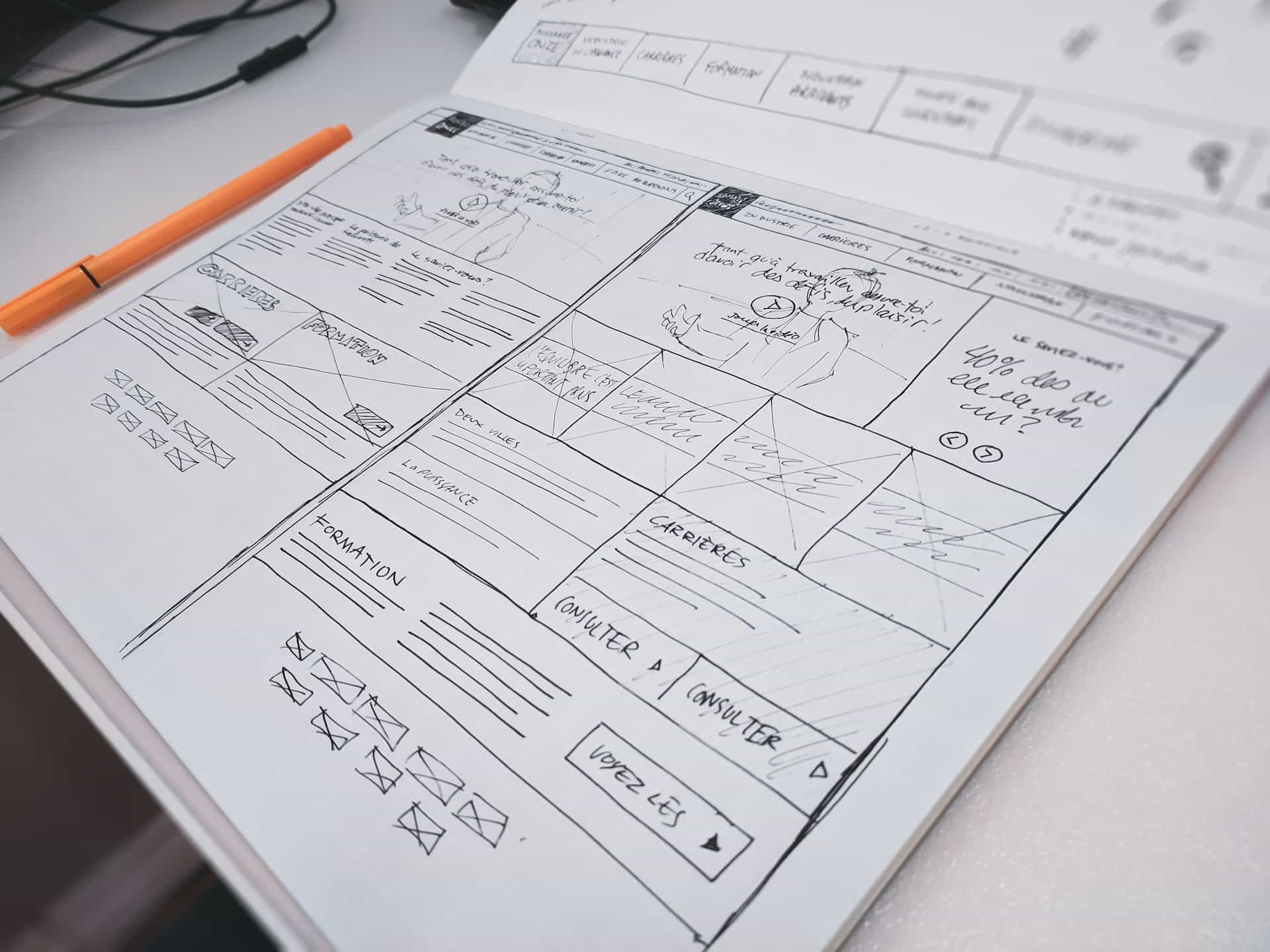
Deciding What Pages Are Important for a Website
Final Thoughts on Important Pages for Websites
In conclusion, creating essential pages for your WordPress website is crucial for delivering a positive user experience and driving results. You’ll succeed online if you create a great home page, about page, blog page, product or services page, testimonials page, and contact page. Remember to prioritize user experience, provide valuable content, and optimize your pages for search engines. Follow these best practices to build a website that engages visitors and grows your business.
Disclosure: Some of the links in this post could be considered “affiliate links.” If you click on one of those links and buy the item, I’ll get a commission, but it won’t raise your price.
Affiliate Links
- Web Hosting that is fast, dependable, and affordable.
- The Divi WordPress Theme is the #1 best selling WordPress theme.

James Turner
Author/Copywriter
