

Using Too Many WordPress Plugins
Discover how to manage plugins properly and why using too many WordPress plugins could slow down your website. In this post, we will explore the function of plugins, the problems resulting from plugin overload, and useful advice on running your plugins. Maintaining a quick, safe, and effective website depends on knowing the effects of too many plugins, regardless of your level of experience with PHP.
Although improving your WordPress site depends on plugins, too many might slow it down and lead to additional problems. This tutorial will clarify the effects of too many plugins and offer ideas on efficiently managing them.
Table of Contents
- The Role of Plugins in WordPress
- The Problem with Too Many Plugins
- Identifying Plugin Overload
- Managing Plugins Effectively
- Alternatives to Using Multiple Plugins
- Case Study: A Real-World Example
- Final Thoughts
- Call to Action
The Role of Plugins in WordPress
Features added to your WordPress website depend on plugins. They let you personalize your site without much knowledge of codes. Popular plugins include social media integrations, security upgrades, and SEO tools. To learn more, read our Guide to Installing and Using WordPress Plugins.
Plug-in extensions expand WordPress essential capabilities, making this platform flexible enough for many kinds of websites. Most site owners depend on basic plugins like contact forms and caching tools, which are absolutely indispensable.

WordPress With Only Essential Plugins Activated
The Problem with Too Many Plugins
Although plugins have advantages, too many will slow down your website. Every plugin raises the possibility of conflicts and adds server requests, affecting your site’s performance and user experience.
Another worry is security. Older plugins can expose weaknesses in your site, increasing its attack vulnerability. The more installed plugins there are, the more dangerous malicious ones become.
Identifying Plugin Overload
Tell me whether you have too many plugins. Typical symptoms are slow loading times, regular crashes, and trouble controlling updates. Tools for performance monitoring and regular audits can help spot troublesome plugins and understand how many WordPress plugins are too many.
Tools such as GTmetrix or Pingdom can reveal information on your site’s performance and point out potentially problematic plugins. Regular evaluations guarantee that only the required plugins stay active.
Managing Plugins Effectively
Optimizing plugin use means prioritizing important plugins and deleting those that are superfluous or duplicated. Maintaining a safe and effective site depends critically on regular upgrades and compatibility checks.
Utilizing best practices—that is, avoiding duplicates and utilizing well-supported plugins—helps simplify your plugin administration. Keeping your plugins lean increases general site speed and lowers conflict risk.
Alternatives to Using Multiple Plugins
Research built-in WordPress capabilities and consider unique code solutions before including new plugins. Furthermore, multifunctional plugins help ease the setup of your site by lowering the overall number of plugins required.
Often, the necessity for extra plugins can be replaced by using built-in WordPress tools, such as native widgets or Gutenberg blocks. Custom coding offers designed answers free from the overhead associated with many plugins.
Case Study: A Real-World Example
Think of a site that was greatly slowed down by an overload of plugins. Once pointless plugins were found and deleted, the site’s security and performance improved greatly.
This case study emphasizes the need of deliberate management and frequent plugin checks. Site owners can improve efficiency and dependability by concentrating on key plugins and cutting duplicates.
Final Thoughts on Using too Many WordPress Plugins
Security and optimal site performance depend on maintaining a lean plugin arrangement and avoiding the pitfall of using too many WordPress plugins. Frequent assessments and good management techniques help guarantee that your WordPress website stays safe and functional.
Understanding the effects of too many plugins and using best practices will help you to build a quicker, more dependable PHP site with improved user experience.
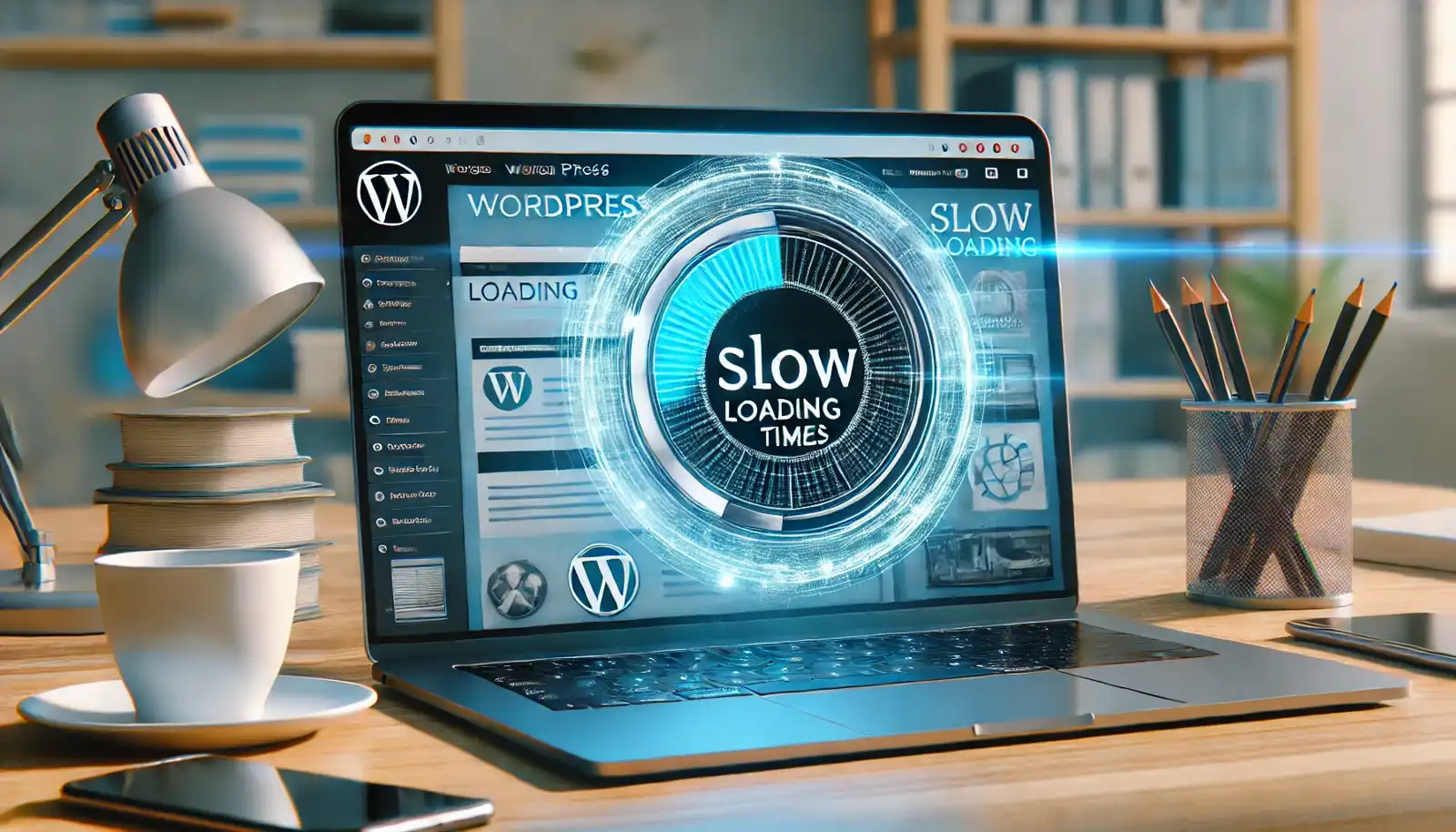
Fixing a WordPress Website With Slow Loading Times
Call to Action: Improving Website Performance
Auditing your WordPress plugins right now will help you. If you require assistance organizing your plugins, see us for a free consultation. Our website has further tools and instructions.
See My Island Designs for tailored solutions and professional help. Our staff is here to assist you in improving your performance and maximizing your WordPress website.
To learn more about WordPress Plugins, visit WordPress.org.
Disclosure: You may find affiliate links to beneficial resources within this article. You won’t pay more when you use our link, but we’ll get a commission. This supports our content creation, and we only suggest products or services we use we genuinely believe in. Thank you for being so understanding!
Affiliate Links
- Web Hosting that is fast, dependable, and affordable.
- The Divi WordPress Theme is the #1 best selling WordPress theme.

James Turner
Author/Copywriter
