

This article will discuss ten proven ways to boost your sales using WooCommerce. Stepping up your business by initiating an online WooCommerce store can offer many opportunities, unlocking a broader market of potential customers and elevating your profit margins. Navigating the turbulent waters of e-commerce competition might be challenging, but armed with the right techniques, your business can distinguish itself. It’s time to delve into proven methods for increasing sales using the WooCommerce feature on your WordPress e-commerce site. Remember, the growth potential is unlimited, so, let’s embark on this journey of expansion now.
Table of Contents for Increasing WooCommerce Sales

10 Proven Ways to Boost Your Sales Using Woocommerce
“Sales are contingent upon the attitude of the salesman, not the attitude of the prospect.” – W. Clement Stone
Checklist for Boosting Sales on WooCommerce
- Ensure your website is properly optimized for SEO, including keyword research, meta tags, and alt tags.
- Write compelling and unique product descriptions that effectively communicate the value of your products.
- Utilize social media platforms to promote your products and engage with customers.
- Implement email marketing strategies, such as abandoned cart emails and newsletters.
- Conduct A/B testing to determine the most effective sales strategies for your products.
- Encourage customers to leave reviews and prominently display them on your website.
- Implement upselling and cross-selling techniques, such as related products and “frequently bought together” sections.
- Focus on customer retention by building relationships with repeat customers and offering loyalty programs.
- Ensure that your website is mobile-optimized for a seamless shopping experience on all devices.
- Track and analyze data on sales, traffic, and customer behavior to inform future strategies.

Optimizing WooCommerce for SEO
Optimizing for SEO
Keyword Research
One of the proven ways to boost your sales using WooCommerce is optimizing your WooCommerce store for SEO is conducting extensive keyword research. This entails determining the terms and phrases that potential clients use while searching for products similar to yours. Once you clearly understand the keywords and phrases relevant to your products, you can incorporate them into your website’s content, meta tags, and alt tags.
Meta Tags
In addition to putting keywords into the text of your website, optimizing your meta tags for SEO is critical. Meta tags are a type of HTML tag that supplies search engines with important information about your website. By using relevant keywords in your meta tags, you can increase the chances of your website appearing in search engine results when potential clients look for things related to what you provide.
Alt Tags
Using alt tags for photos is another crucial component of optimizing your WooCommerce store for SEO. Search engines and people who are visually impaired use alt tags, also referred to as alternative text, to describe images in text. By inserting relevant keywords in the alt tags of your website’s photos, you can boost the chances of those images appearing in image search results.

Writing Compelling Product Descriptions for an Online Store
Writing Compelling Product Descriptions
Make them Unique
Crafting a compelling product description is crucial for a successful WooCommerce store. This is your chance to highlight your product’s features and advantages, enticing prospective buyers to make a purchase. Make sure your descriptions are original, as duplicating content can hurt your SEO. Search engines may penalize sites for copied content, and distinctive product descriptions can help you outshine competitors and boost your search ranking.
Include Keywords
Besides ensuring your product descriptions are original, it’s vital to include pertinent keywords. This assists search engines in comprehending your product pages’ content and enhances the likelihood of your site appearing in search results when potential customers look for similar products. However, it’s crucial to use keywords organically and avoid overstuffing, as this can harm your SEO.
Provide Detailed Information
Like other marketing efforts, product descriptions are most effective when they supply ample information to potential customers. Details such as dimensions, materials, and additional features should be included. Providing sufficient information also makes it more likely that search engines will display your product pages when users search for related products, which will boost your sales using WooCommerce.

Using Social Media to Improve Online Sales
Boosting WooCommerce Sales through Effective Social Media Strategies
To increase brand awareness and ultimately, sales, in today’s digital world, businesses can’t do without social media. The exposure, brand awareness, and consumer interaction of WooCommerce stores can be greatly improved by taking advantage of the power of social media networks. Let’s talk about how you may use social media to boost your sales using WooCommerce.
Choosing the Right Social Media Platforms
Selecting the right social media channels for your specific demographic and marketing objectives is crucial for successful social media marketing. The following are some examples of widely used social media:
- Facebook: With billions of active users, Facebook offers an enormous market for your WooCommerce store. You can effectively target your desired customer demographics by creating a dedicated business page and utilizing Facebook Ads.
- Instagram: A visually-driven platform, Instagram is ideal for showcasing your products and building a strong brand identity. Utilize Instagram Stories and shoppable posts to drive sales and engage with your audience.
- Twitter: Twitter serves as an influential medium for real-time interaction and customer support. Announce product updates, offers, and engage with your followers to cultivate a devoted customer base.
- Pinterest: As a visually-focused platform, Pinterest can generate considerable traffic to your WooCommerce store by enabling users to save and share your product images with their network.
Creating Engaging Content
Developing content that connects with your audience is a vital aspect of social media marketing. We recommend learning How to Create a WordPress Content Strategy for Your Business. Here are some additional suggestions for producing engaging content:
- Share high-quality visuals: Invest in professional photography or design eye-catching graphics to display your products and capture users’ interest.
- Tell a story: Humanize your brand by sharing behind-the-scenes tales, customer reviews, and the motivation behind your products.
- Promote exclusive offers: Leverage social media to announce time-limited promotions, discounts, and special offers, which drives urgency and boosts sales.
- Utilize user-generated content: Encourage clients to share their experiences with your products by showcasing their photos and testimonials on your social media channels.
Building a Social Media Community
When we consider the ten proven ways to boost your sales using WooCommerce, building a social media community can be one of the best. A robust social media community can foster brand loyalty and generate a pool of potential buyers. Strategies to create and maintain your community include:
- Engage with your audience: Promptly respond to comments, messages, and inquiries. Show gratitude towards your customers’ support by liking and sharing their contributions.
- Collaborate with influencers: Team up with niche influencers to tap into a wider audience and establish credibility.
- Host giveaways and contests: Conduct giveaways and contests: Foster user engagement and elevate visibility by holding giveaways or contests, asking participants to like, share, or tag friends in your posts.
- Use hashtags strategically: Research pertinent and trending hashtags to amplify your content’s visibility and reach prospective customers.
Leveraging social media to its full capacity is a dependable approach to attract traffic and, ultimately, boost sales for your WooCommerce venture. By choosing the right channels, creating captivating content, and nurturing an engaged online community, you can raise awareness and enhance sales. Committing to social media marketing with diligence and a strategic plan can significantly contribute to your WooCommerce store’s expansion.

Checklist for Implementing WooCommerce Email Marketing Plan
Implementing Email Marketing Strategies
Connecting with customers and driving more sales for your WooCommerce store may be accomplished through email marketing. A well-thought-out email marketing approach may help you build brand loyalty, encourage repeat purchases, and keep your audience interested. Here we’ll go over several email marketing tactics that will help your WooCommerce shop bring in more customers and more sales.
Choosing the Right Email Marketing Tools: Picking the appropriate email marketing tools can greatly influence the success of your campaigns. Some well-known email marketing tools that are compatible with WooCommerce are:
- Mailchimp: A comprehensive marketing platform providing email marketing services, automation, and analytics capabilities.
- Sendinblue: A powerful email marketing tool with advanced segmentation, automation, and transactional email capabilities.
- Omnisend: A platform designed specifically for eCommerce, offering advanced automation, segmentation, and omnichannel marketing features.
Building and Segmenting Your Email List: A top-notch email list is essential for triumphant email marketing campaigns:
- Offer incentives: Encourage users to subscribe to your email list by offering a discount, free shipping, or an exclusive resource.
- Use exit-intent pop-ups: Capture visitors’ email addresses before they leave your site with exit-intent pop-ups.
- Segment your list: Categorize your subscribers based on their preferences, purchase history, and engagement levels to send targeted and personalized campaigns.
Crafting Effective Email Campaigns: To maximize the impact of your email marketing efforts, follow these best practices:
- Write compelling subject lines: Create curiosity and urgency with attention-grabbing subject lines to increase open rates.
- Personalize your emails: Address your subscribers by their names and tailor your content based on their preferences and behavior.
- Optimize for mobile devices: Ensure your emails are mobile-friendly, as a significant portion of your audience will likely open your emails on their smartphones.
- Test and analyze: Regularly A/B test your campaigns and analyze their performance to optimize and improve your email marketing strategies.
Types of Email Campaigns to Boost Sales: Several types of email campaigns can help drive sales for your WooCommerce store:
- Welcome emails: Greet new subscribers with a welcome email, offering a special promotion or showcasing your top-selling products.
- Abandoned cart emails: Remind customers who have left items in their cart to complete their purchase, potentially offering an incentive to encourage conversion.
- Promotional emails: Share limited-time offers, seasonal sales, or new product launches to encourage purchases.
- Re-engagement emails: Target inactive subscribers with special offers, personalized product recommendations, or updates on what they have missed.
Implementing effective email marketing strategies can significantly boost sales for your WooCommerce store. By choosing the right tools, building a high-quality email list, crafting engaging campaigns, and sending targeted emails, you can foster customer loyalty and drive revenue. With persistence and continuous optimization, email marketing can be a game-changer for your WooCommerce store’s success.

Conducting A/B Split Testing for a Website
Conducting A/B Testing
If you want to boost your sales using WooCommerce, testing is crucial. Your WooCommerce store’s layout, product descriptions, prices, and marketing methods can all benefit from A/B testing, also known as split testing. Data-driven decisions can be made to improve conversion rates by comparing the success of two versions of a website or marketing campaign. This section of the post will discuss the significance of A/B testing and offer advice for running effective tests to enhance the functionality of your WooCommerce store.
Understanding the Basics of A/B Testing: A/B testing entails comparing two variations of a single component to determine the one that yields superior results. The process consists of:
- Identifying the element to test: Choose a specific aspect of your store, such as a call-to-action button, product image, or email subject line.
- Creating two variations: Develop two versions of the chosen element, each with a different design, text, or layout.
- Randomly assigning users: Split your traffic or audience randomly between the two variations, ensuring that each user only sees one version.
- Analyzing the results: Compare the performance of the two variations based on the chosen metric, such as conversion rate, click-through rate, or average order value.
Choosing the Right Elements to Test: To maximize the impact of your A/B testing efforts, focus on elements that directly influence user behavior and conversions. Some examples include:
- Headlines and product titles: Test different headlines or product titles to determine which ones are more appealing and drive better engagement.
- Call-to-action buttons: Experiment with various colors, sizes, shapes, and text to pinpoint the most effective call-to-action design.
- Pricing and discounts: Test various pricing strategies, discount offers, and sales incentives to find the optimal approach for your WooCommerce store.
- Landing page designs: Experiment with different layouts, images, and content structures to optimize user experience and conversions.
Best Practices for Effective A/B Testing: Adhere to these best practices for successful A/B tests:
- Set clear objectives: Set explicit goals and metrics for each test, such as boosting conversion rates, minimizing cart abandonment, or enhancing click-through rates.
- Test one element at a time: Limit your tests to a single element per experiment to isolate the impact of the change and accurately measure its effect.
- Use a large sample size: Ensure that your test comprises an adequate number of users to produce statistically meaningful results and reduce the influence of random fluctuations.
- Run tests for an adequate duration: Allow your tests to run for a sufficient time to account for variations in user behavior and avoid basing decisions on incomplete data.
Leveraging A/B Testing Tools: Several tools can help streamline your A/B testing process and provide valuable insights. Some well-known choices include:
- Google Optimize: A complimentary tool from Google that enables you to conduct A/B tests on your website and integrates smoothly with Google Analytics.
- Optimizely: A comprehensive A/B testing platform that offers advanced features for testing, targeting, and personalization.
- VWO (Visual Website Optimizer): An all-in-one platform for A/B testing, conversion rate optimization, and website analytics.
WooCommerce store owners who want to optimize their sites’ performance and increase their revenue may consider conducting A/B tests. You may improve your store and make shopping there more enjoyable for customers by conducting scientific experiments and basing your decisions on the results. A/B testing can be a significant asset for the growth and success of your business if you approach it strategically and use the appropriate tools to boost your sales using WooCommerce.
Upselling and Cross-Selling Techniques to Boost WooCommerce Sales
Implementing Upselling and Cross-Selling Techniques
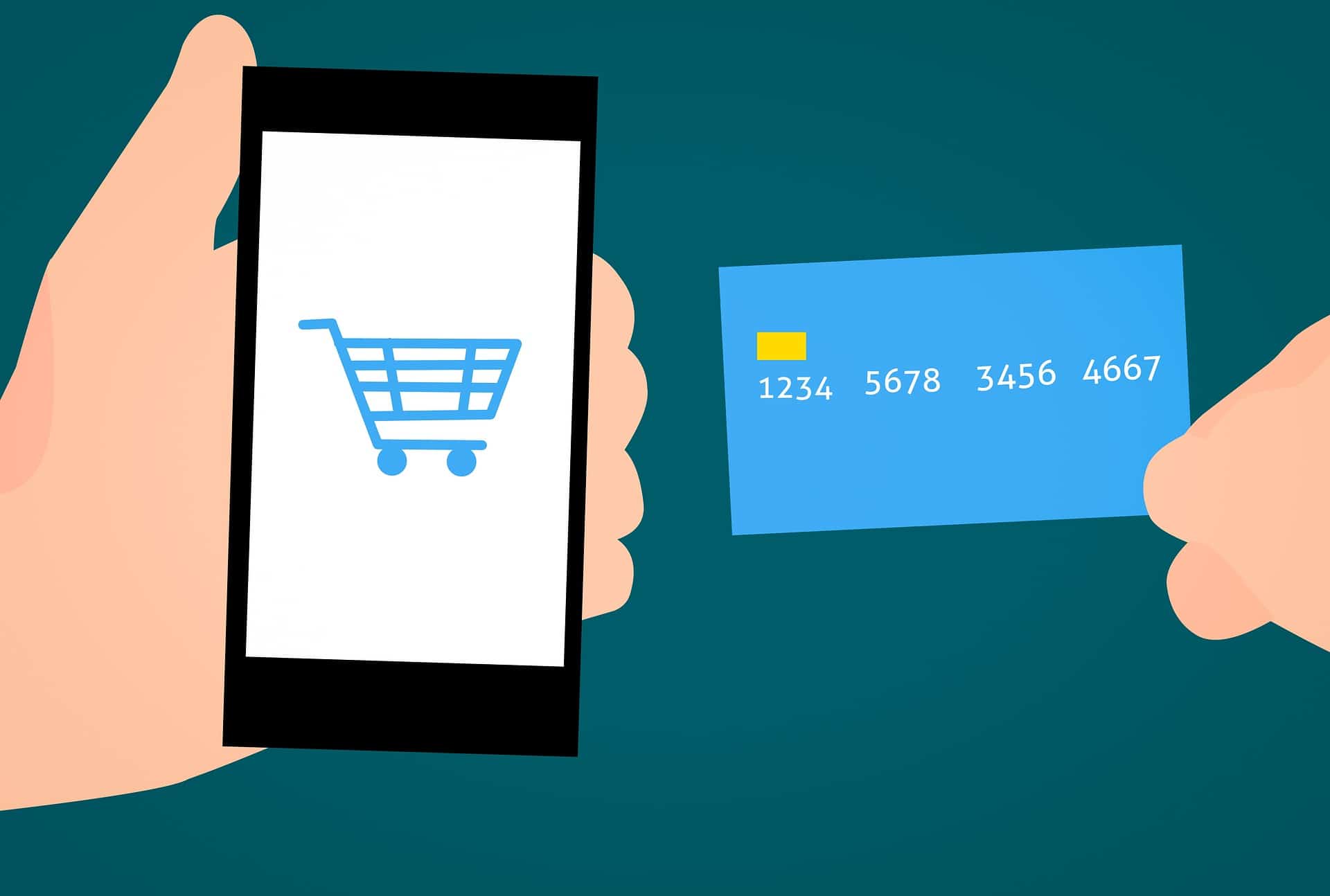
Using tried-and-true sales techniques like upselling and cross-selling can do wonders for your WooCommerce store’s bottom line. You can increase your average order value and your clients’ pleasure by suggesting related or supplementary products and upselling them. Here, we’ll break down the distinctions between upselling and cross-selling, and offer advice for putting both strategies to work in your own WooCommerce shop.
Understanding Upselling and Cross-Selling: Upselling and cross-selling are distinct sales strategies that can be applied together to maximize revenue:
- Upselling: This technique involves encouraging customers to purchase a higher-priced item, upgrade, or an enhanced version of the product they are already considering. The goal is to increase the average order value by offering additional features, benefits, or improved quality.
- Cross-selling: Cross-selling involves suggesting complementary or related products that enhance the primary item the customer is purchasing. This strategy aims to increase the number of items in the customer’s cart and improve the overall shopping experience by offering relevant product recommendations.
Strategies for Effective Upselling: To implement successful upselling techniques in your WooCommerce store, follow these tips:
- Focus on value: Emphasize the added value or benefits the customer will receive by choosing the higher-priced item or upgrade.
- Offer a limited number of options: Avoid overwhelming customers with too many choices; instead, present a few well-selected upsell options.
- Show price comparisons: Clearly display the price difference between the original product and the upsell, highlighting the potential savings or added value.
- Personalize recommendations: Use customer browsing and purchase history to tailor your upsell suggestions, making them more relevant and appealing.
Strategies for Effective Cross-Selling: Implement the following cross-selling strategies to enhance your WooCommerce store’s sales:
- Bundle products: Create product bundles or offer discounts when customers purchase a set of complementary products together.
- Display related products: Show relevant product recommendations on product pages, shopping cart pages, or during the checkout process.
- Use social proof: Highlight popular or frequently purchased together items to leverage social proof and encourage customers to add these products to their cart.
- Offer time-sensitive deals: Create a sense of urgency by offering limited-time deals or exclusive offers on complementary products.
Leveraging WooCommerce Plugins: Several plugins can help simplify the process of implementing upselling and cross-selling techniques in your WooCommerce store:
- WooCommerce Product Add-Ons: This plugin allows you to offer additional product options, customizations, or upgrades to customers during the purchase process.
- WooCommerce Product Bundles: Use this plugin to create custom product bundles, offering customers a discount for purchasing a set of complementary products together.
- YITH WooCommerce Frequently Bought Together: This plugin enables you to display frequently bought together items, encouraging customers to add related products to their cart.
Implementing upselling and cross-selling techniques can significantly boost your WooCommerce store’s revenue and improve customer satisfaction. By offering relevant, value-added product recommendations and promotions, you can increase average order value and enhance the overall shopping experience. With a strategic approach and the right tools, upselling and cross-selling can become powerful drivers of growth for your WooCommerce store.

Customer Retention-Focused Programs to Drive Revenue
Focusing on Customer Retention
Keeping your current customers around is essential if you want your WooCommerce store to thrive. It’s important to put effort into maintaining connections with current consumers and inspiring them to buy from you again rather than trying to attract brand-new ones. You may boost profits, save money, and foster client loyalty by focusing on retention rather than acquisition. In this section, we’ll discuss specific measures you can implement to boost the proportion of returning customers to your WooCommerce store.
Provide Excellent Customer Service: Providing exceptional customer service is crucial for fostering enduring relationships with your clients. Some strategies to boost your sales using WooCommerce and ensure top-notch customer service include:
- Offer multiple communication channels: Facilitate customers’ ability to contact you by supplying an array of contact options, including email, phone, live chat, or social media.
- Respond promptly: Aim to address customer inquiries, complaints, and feedback as quickly as possible to show your commitment to their satisfaction.
- Train your support team: Equip your customer service team with the necessary knowledge and skills to handle customer concerns effectively and professionally.
Implement a Customer Loyalty Program: A well-designed customer loyalty program can encourage repeat purchases and foster customer loyalty. Consider the following tips when creating your loyalty program:
- Offer tiered rewards: Create a tiered system with increasing benefits, motivating customers to continue shopping with you to unlock more valuable rewards.
- Provide personalized offers: Use customer data to tailor rewards and promotions based on individual preferences and purchase history.
- Simplify the redemption process: Make it easy for customers to earn and redeem points or rewards to keep them engaged and motivated.
Send Personalized and Targeted Email Campaigns: Email marketing can be an effective tool for retaining customers and driving repeat purchases. Use these strategies to create personalized and targeted email campaigns:
- Segment your email list: Categorize subscribers based on factors such as purchase history, browsing behavior, or engagement levels to send targeted and relevant content.
- Utilize triggered emails: Send automated emails based on customer actions, such as abandoned cart reminders, post-purchase follow-ups, or re-engagement campaigns.
- Offer exclusive deals: Reward loyal customers with exclusive discounts, early access to sales, or special promotions to show appreciation and encourage repeat business.
Enhance User Experience: A positive user experience can significantly impact customer retention. Ensure a seamless and enjoyable shopping experience by:
- Optimizing site speed: Improve your website’s loading time to reduce bounce rates and provide a better browsing experience.
- Streamlining the checkout process: Simplify the checkout process by minimizing the number of steps, offering guest checkout, and providing multiple payment options.
- Offering a user-friendly design: Ensure your website is easy to navigate, mobile-responsive, and visually appealing to keep customers engaged and satisfied.
Collect and Act on Customer Feedback: Gathering and addressing customer feedback can help you identify areas for improvement and demonstrate your commitment to customer satisfaction. Consider these tips:
- Provide easy feedback channels: Offer simple ways for customers to share their feedback, such as online surveys, feedback forms, or social media.
- Monitor reviews and ratings: Regularly check product reviews and ratings to identify common issues or areas for improvement.
- Act on feedback: Use customer feedback to make necessary changes and improvements, and communicate these actions to your customers to show that their opinions matter.
If you want your WooCommerce store to thrive in the long run, customer retention must be a top priority. You may boost client lifetime value by offering first-rate customer service, launching reward programs, sending targeted email marketing, bettering the user interface, and listening to and acting on customer feedback. Customer retention has the potential to become a major growth driver for your WooCommerce store with some careful work.

Customization of the WooComerce Store Design and Cart Flow
Optimizing for Mobile
Mobile optimization for your WooCommerce store is crucial as mobile usage rises. A Mobile-Friendly Website Design will make purchasing on smartphones and tablets easy, increasing conversion rates and sales. This section discusses mobile optimization and offers practical recommendations for improving your WooCommerce store’s mobile experience.
Understanding the Importance of Mobile Optimization: Mobile optimization is essential for several reasons and it cannot be ignored if you want to boost your sales using WooCommerce:
- Growing mobile usage: More people are using mobile devices to browse and shop online, making it crucial to cater to this audience.
- Higher conversion rates: A mobile-friendly website can result in greater conversion rates since customers are more inclined to finalize their purchases on an easy-to-use, responsive site.
- Improved search engine rankings: Google prioritizes mobile-friendly websites in search results, meaning that optimizing for mobile can improve your store’s visibility and attract more organic traffic.
Choose a Mobile-Responsive Theme: Mobile-friendly WooCommerce stores start with mobile-responsive themes. A responsive theme adapts layout, images, and navigation to different screen sizes and devices. Several WooCommerce themes—free and premium—are responsive by default. Test your theme on numerous devices for a smooth user experience.
Optimize Images and Media: Optimizing pictures and media, assets improves page performance—large photos and media files slow page loading, especially on mobile devices. To optimize images and media for mobile, consider the following tips:
- Compress images: Use image compression tools, such as TinyPNG or ShortPixel, to reduce file sizes without sacrificing image quality.
- Use responsive images: Implement responsive images using the
srcsetattribute in HTML or by using a plugin like WP Retina 2x to ensure that the appropriate image size is served for different screen resolutions. - Optimize video content: Compress video files and use a responsive video player to ensure smooth playback on mobile devices.
Simplify Navigation and Layout: A clutter-free and straightforward layout is essential for mobile users, as smaller screens require easy-to-use navigation and legible content. Think about the following to improve the structure and usability of your mobile site:
- Use a mobile-friendly menu: You should implement a menu that is compatible with mobile devices. Use a hamburger, accordion, or other mobile-friendly menu to make navigation easier on smaller displays.
- Optimize typography: Choose legible fonts and use appropriate font sizes, line spacing, and text contrast to ensure readability on mobile devices.
- Limit pop-ups and overlays: Minimize the use of pop-ups and overlays, as they can be intrusive and difficult to close on small screens.
Improve Mobile Page Load Speed: Mobile users often have slower internet connections, making it essential to optimize your website’s loading time. To enhance your mobile site’s performance, follow these tips:
- Enable caching: Use caching plugins, such as WP Rocket or W3 Total Cache, to store and serve static versions of your website, reducing server load and improving page load speed.
- Use a content delivery network (CDN): Utilize a CDN, like Cloudflare or Amazon CloudFront, to disseminate your website’s content over multiple servers and decrease latency for visitors.
- Minify and combine CSS and JavaScript files: Use plugins like Autoptimize to minify and combine your CSS and JavaScript files, reducing the number of HTTP requests and improving page load speed.
Test and Monitor Your Mobile Experience: Maintaining a smooth user experience requires testing your WooCommerce store on multiple mobile devices and screen sizes. Fix mobile-specific issues with Google’s Mobile-Friendly Test and Google Search Console’s Mobile Usability report.
In today’s mobile-first world, your WooCommerce store must be mobile-optimized. Choose a responsive theme, optimize pictures and media, simplify navigation and layout, improve page load speed, and test your mobile experience to develop a mobile-friendly, responsive site. A well-optimized mobile experience can boost conversion rates, search engine rankings, and customer happiness, boosting WooCommerce store growth.
Implement Tracking and Google Analytics to Boost Sales
Tracking and Analyzing Data
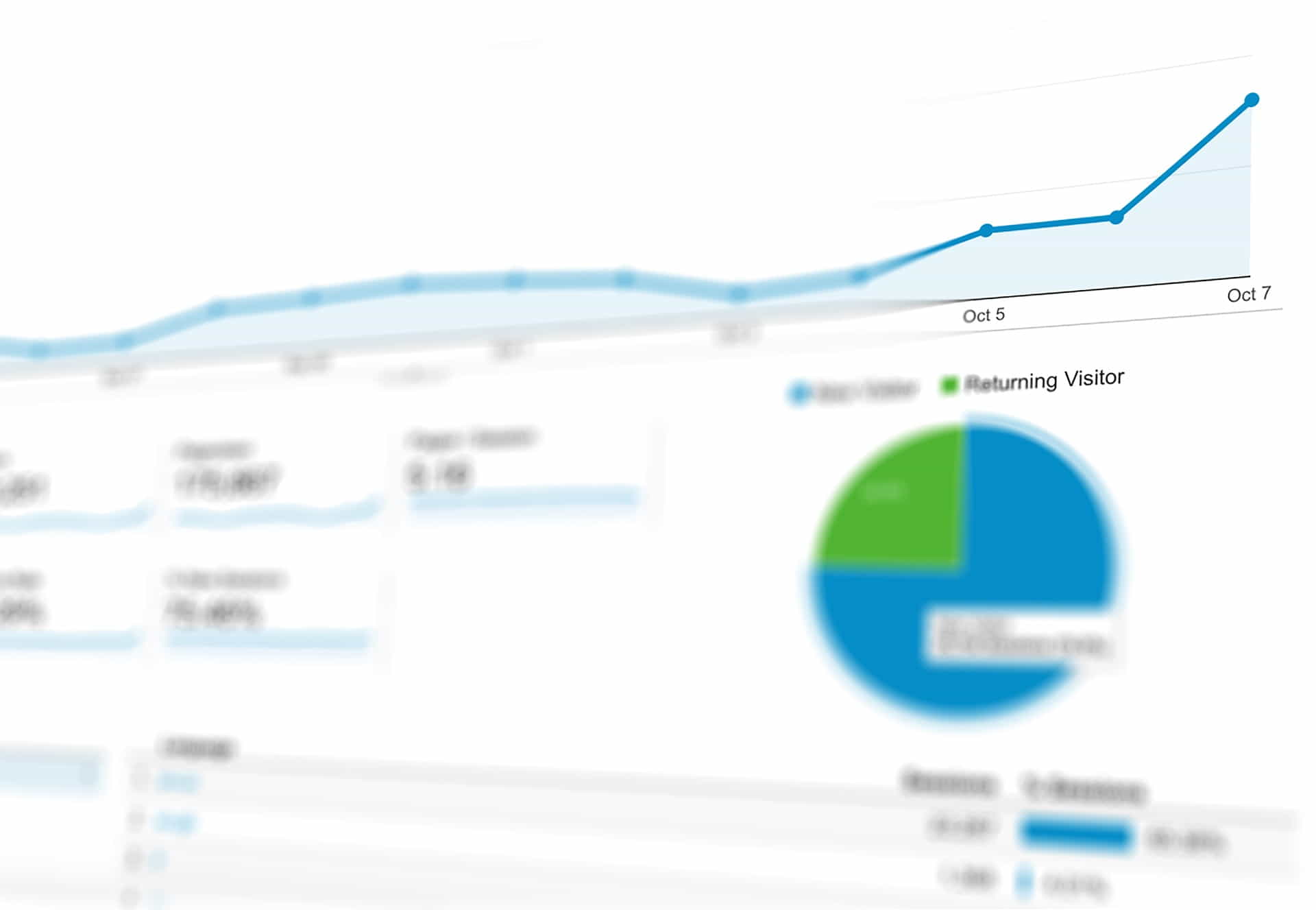
Examining data is crucial for the expansion of WooCommerce stores. Keep an eye on KPIs and consumer behavior to make well-informed choices, adjust marketing initiatives, and enhance the shopping experience. In this section, we will delve into data monitoring and examination, providing recommendations for data-driven decision-making in WooCommerce stores.
Significance of Monitoring and Evaluating Data: Several advantages arise from tracking and analyzing data:
- Spot trends and patterns: Monitoring customer actions and sales information enables you to recognize trends and patterns that can shape your marketing tactics and product offerings.
- Evaluate marketing efficacy: Keeping track of marketing campaign performance allows you to gauge their success and allocate resources more effectively.
- Refine user experience: Assessing customer interactions with your site can help you pinpoint areas for enhancement and elevate the overall shopping experience.
- Adopt data-driven decisions: Accurate and timely data empowers you to make knowledgeable decisions that foster growth and profitability.
Crucial Metrics to Monitor: To efficiently track and analyze your WooCommerce store’s performance, pay attention to these vital metrics:
- Sales revenue: Monitor your store’s total sales revenue over time to evaluate growth and detect trends.
- Average order value (AOV): Keep track of the average amount customers spend per transaction to identify upselling, cross-selling, or pricing adjustment opportunities.
- Conversion rate: Calculate the percentage of website visitors who finalize a purchase to determine the effectiveness of your marketing approaches and website design.
- Cart abandonment rate: Observe the percentage of customers who add items to their cart but don’t complete a purchase, which can help identify improvements needed in the checkout process.
- Customer acquisition cost (CAC): Determine the average expense of obtaining a new customer to gauge the efficiency of your marketing strategies.
- Customer lifetime value (CLV): Estimate the total revenue generated by a customer throughout their entire relationship with your store to evaluate customer loyalty and retention efforts.
Tools for Monitoring and Evaluating Data: Various tools can assist you in tracking and analyzing your WooCommerce store’s data:
- Google Analytics: Integrate Google Analytics with your WooCommerce store to observe website traffic, user activity, and e-commerce performance. Use the Enhanced Ecommerce plugin for additional insights and reporting capabilities.
- WooCommerce Reports: Leverage built-in WooCommerce reports to monitor sales, customer, and stock data directly within your WordPress dashboard.
- Data analysis plugins: Employ plugins like Metorik, Glew, or Putler for advanced reporting features, data visualizations, and customer segmentation tools.
Employing Data-Driven Decision-Making: Follow these guidelines to incorporate data-driven decision-making in your WooCommerce store:
- Establish clear goals and objectives: Set specific, measurable, achievable, relevant, and time-bound (SMART) goals for your store to direct your data tracking and analysis efforts.
- Gather and evaluate data: Utilize the tools and metrics mentioned above to collect, monitor, and analyze data related to your store’s performance and customer behavior.
- Pinpoint areas for enhancement: Examine the data to detect trends, patterns, and areas for improvement in your marketing strategies, product offerings, and user experience.
- Experiment and optimize: Execute modifications based on your data analysis and continuously test and optimize your store’s performance to attain your goals and objectives.
Monitoring and analyzing data is a must for WooCommerce stores.

How to Get More Customer Reviews
Encouraging Customer Reviews
Importance of Reviews
Customer testimonials are invaluable for the prosperity of an online store and one of the proven ways to boost your sales using WooCommerce. They offer potential buyers an understanding of your product’s quality and can also boost your SEO. Customer testimonials can raise your website’s visibility and search rankings. Social proof from delighted consumers can boost brand reputation and attract new customers.
Review Gathering Strategies
It’s essential to have a strategy for encouraging customers to submit product reviews. One effective approach is to email purchasers after they’ve completed a transaction and kindly ask for their feedback. Including a link to your product pages in your email signature can also motivate customers to share their opinions. Furthermore, you can stimulate customers to write reviews by offering them exclusive deals or discounts.
Responding to Reviews
Regularly monitoring and replying to customer testimonials is equally important. This demonstrates that you appreciate customer input and can also enhance your SEO. Engaging with good testimonials can boost your website’s search rankings, while resolving negative ones can enhance your business’s reputation.

Optimizing Your WooCommerce Store Will Make Customers Happy
Final Thoughts on Using WooCommerce to Boost Online Sales
There are many proven ways to boost your sales on a WooCommerce store. From optimizing your website for SEO to writing compelling product descriptions to encourage customer reviews, the key is to have a strategy in place and consistently implement it. By implementing the guidance provided in this piece, you can improve your website’s prominence in search outcomes and ultimately increase revenue for your online shop.
Resources to Help You Get Started With WordPress
Our Recommended Hosting Provider
- A2 Hosting (https://www.a2hosting.com/)
Our Recommended WoodCommerce Theme
The WooCommerce Plugin and Other Helpful Plugins
- Yoast SEO (https://yoast.com/wordpress/plugins/seo/)
- WooCommerce (https://woocommerce.com/)
- Wordfence (https://www.wordfence.com/)

Woocommerce Shopping Cart Resources for WordPress
- The WooCommerce market share statistics and facts blog post.
- How to increase sales on your WooCommerce online store
WooCommerce Stats on Increasing Sales for Online Stores
The widely used e-commerce solution, WooCommerce, supports online retailers in enhancing their sales and broadening their customer reach. With its intuitive interface and advanced functionality, WooCommerce simplifies the process of managing and selling products online for store owners.
Numerous metrics indicate the positive impact WooCommerce can have on online stores’ sales. For example, those who transition to WooCommerce from another e-commerce platform experience an average sales increase of 18%. The platform’s inherent SEO capabilities, such as customizable product pages and automatic sitemaps, aid online retailers in achieving higher search engine placement and boosting website traffic.
Consider the following aspects when evaluating WooCommerce’s statistics and its potential to elevate sales for online stores:
- Average sales growth of 18%: Online stores migrating to WooCommerce from another e-commerce platform witness an average sales growth of 18%.
- Intuitive interface: WooCommerce offers an intuitive interface, streamlining the management and sales processes for online stores.
- Sophisticated features: The platform’s sophisticated features, including customizable product pages and automatic sitemaps, equip online stores with the necessary tools to augment sales and attract a wider audience.
- Integrated SEO capabilities: WooCommerce’s integrated SEO capabilities assist online stores in attaining higher positions in search engine results and driving more traffic to their websites.
By employing the various methods and tactics discussed in this article, you can effectively enhance your sales on your WooCommerce store and propel your business to new levels. The key is to continually analyze and optimize your approach while striving for progress.
Disclosure: You may find affiliate links to beneficial resources within this article. You won’t pay more for using our link, but we’ll get a commission. This supports our content creation, and we only suggest products we genuinely believe in. Thank you for being so understanding!
Affiliate Links
- Web Hosting that is fast, dependable, and affordable.
- The Divi WordPress Theme is the #1 best selling WordPress theme.

James Turner
Author/Copywriter
