

Create a Custom WordPress Home Page
Want some tips for creating a killer WordPress home page? You’re in the right place! The first page visitors view when they arrive at your website is your homepage; trust me, first impressions count. Rest assured, I will guide you through elevating your WordPress homepage from mediocre to exceptional. Please take a seat and prepare a warm beverage as we begin.
Question
Danny H. Asked: How much of an impact does the homepage design really have?
Answer
Great question, Danny! In fact, studies show that it only takes people 50 milliseconds—or 0.05 seconds—to create an opinion about your website. That opinion decides whether they’ll stay or leave. So, yes, the homepage design really matters!
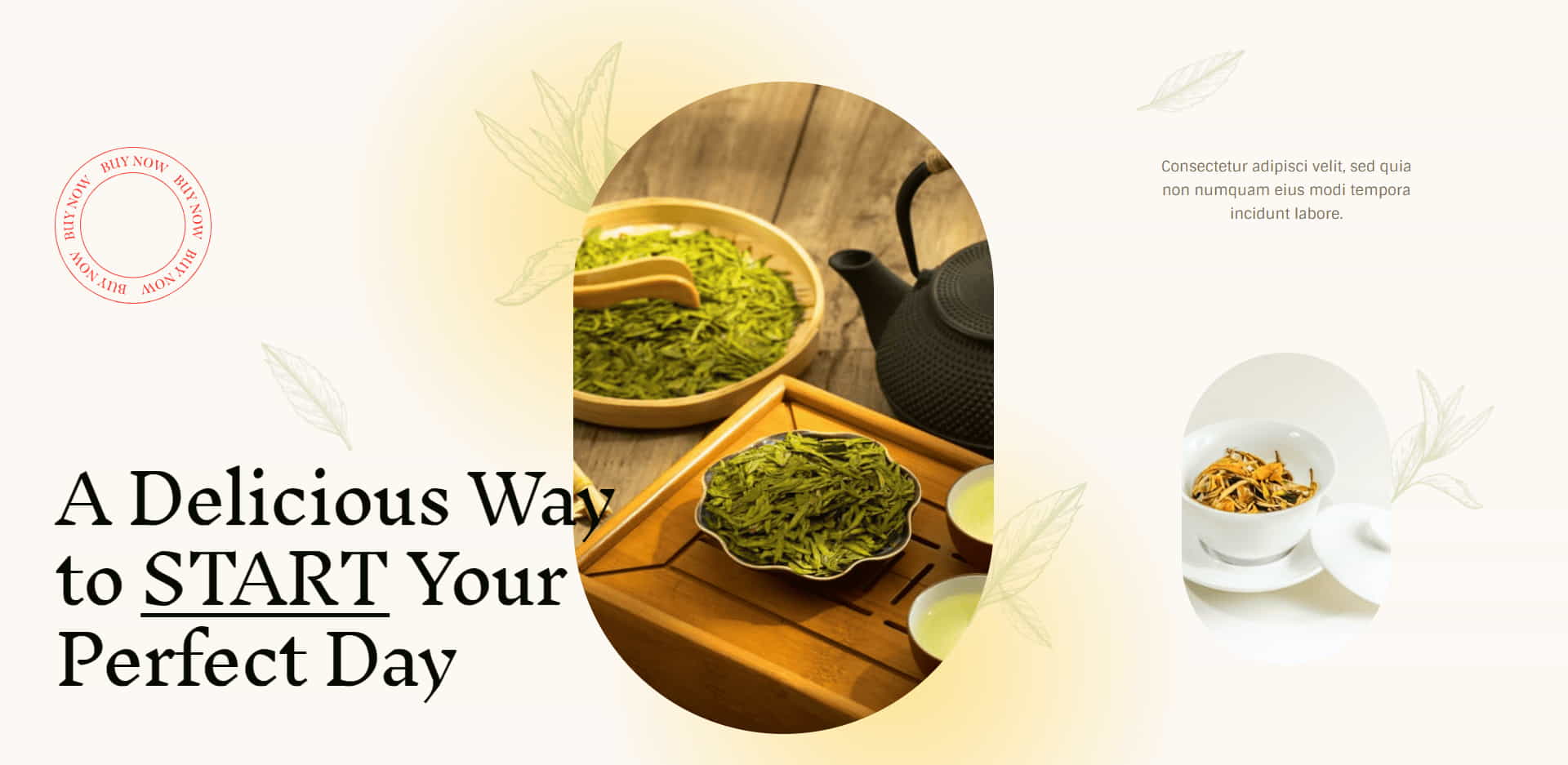
Websites Promote You Twenty Four Seven
“Websites promote you 24/7: No employee will do that.” – Paul Cookson

Killer Tips
Killer Tips for Creating Your WordPress Homepage
So, how exactly do you go about creating a killer WordPress home page? Here are some tips:
1. Know Your Audience
Keep in mind that your site’s target demographic is its main focus rather than simply aiming to attract anybody. Who are they? What do they need? How can you provide a solution? Keep these questions in mind as you design.
2. Prioritize Responsiveness
Your homepage must be flexible in a world where folks browse from various devices. A homepage that looks and operates smoothly, regardless of screen size, isn’t a luxury anymore—it’s a necessity. Utilize responsive design to stay abreast of the latest design trends with responsive design.
3. Nail Down Your Content Strategy
It’s not only what you say on your homepage, but how. Captivating, well-placed text can drastically impact a user’s experience. Need help planning out your website’s content? Here’s a resource for crafting a WordPress content strategy.
4. Build Effective Landing Pages
Thinking of using your homepage as a landing page? WordPress has got you covered. With a little work, you can craft landing pages that convert visitors into customers. Learn how to create high-converting landing pages with WordPress.
5. Keep Your Colors Consistent
The impact of color should never be discounted. It creates an atmosphere and forms people’s impressions of your company. Maintain a consistent color scheme that speaks to your brand’s target audience. Looking for some pointers? Here’s how to choose a color palette for your site.
6. Start with WordPress the Smart Way
Just dipping your toes into WordPress? Although it need not be intimidating, it can feel that way. You’ll get there if you take things slowly. Check out this WordPress beginner’s guide for more information on getting started with WordPress.
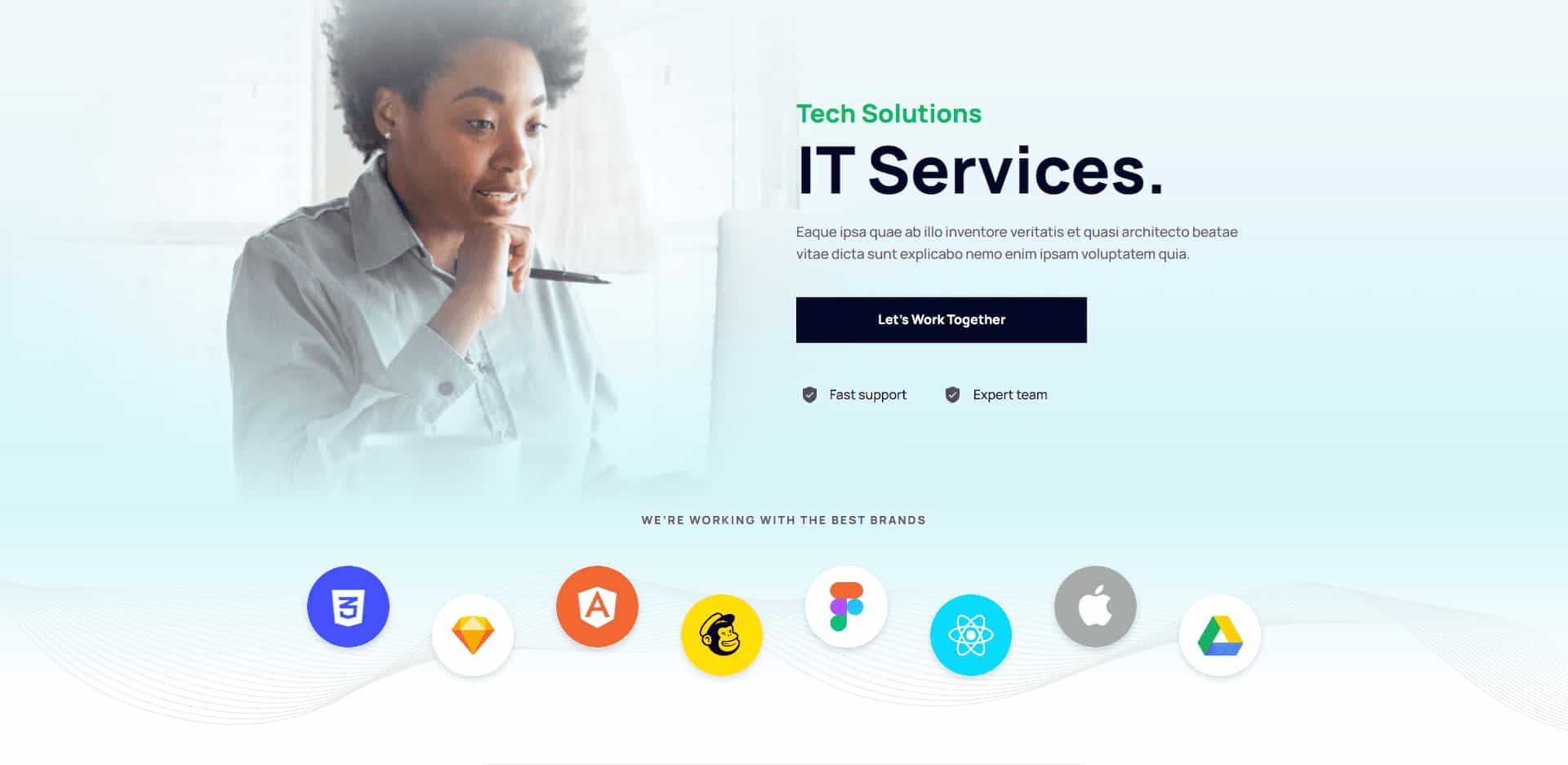
Trending Home Page Design Tips
Trending Home Page Design Tips
Being on top of the trends can make all the difference in the always changing world of web design. As technology advances and user behavior changes, web design must adapt to stay effective and engaging. Whether building a new site from scratch or giving your existing one a makeover by creating a killer WordPress home page, you must know what’s hot in design. Below, we’ve outlined some of the top trending home page design tips that are aesthetically pleasing and improve user experience and engagement on your site.
Minimalistic Design
A minimalistic approach to web design is gaining popularity in today’s digital landscape. The ‘less is more’ mentality stands out, as people frequently favor a simple, easy-to-navigate design. Cluttered layouts can be overwhelming and can distract visitors from your main call to action. By keeping your design elements to a minimum, you focus on the essentials and make engaging visitors with your content easier. This design trend also aligns with the mobile-first approach, as simpler layouts load faster and look better on smaller screens.
Dark Mode
Dark mode has become a prominent trend across apps and websites. By providing a dark background with light text, you offer a visually appealing alternative that can enhance user experience. It offers a stylistic variation and has practical benefits such as reducing eye strain in low-light conditions and conserving battery power on OLED screens. Integrating a dark mode option in your web design can cater to user preferences and demonstrate that you’re staying abreast of modern design trends.
Large, Bold Typography
Typography plays a vital role in setting the tone of your website. The usage of bigger and more prominent font styles is on the rise as they catch the eye and improve legibility, especially on handheld devices. Big, bold typography can highlight your key message or call to action, drawing users’ attention exactly where you want it. However, use this trend wisely and avoid overdoing it to keep your text readable and aesthetically pleasing.
Micro-Interactions
Micro-interactions are subtle animations or design elements that react to the user’s actions. They could be as simple as a button changing color when hovered over or a small animation when a user completes a form. While they might seem minor, micro-interactions can significantly enhance user engagement. The user receives prompt feedback from them, which gives the interface a friendly, human-like feel. Additionally, they can give personality and individuality to your website, enhancing user experience in general.
Use of Multimedia
Using multimedia content like photographs, videos, and interactive features, your website can become more immersive and engaging. A well-placed video can communicate much more about your brand or product than text alone. Interactive elements like quizzes or surveys can engage users and provide valuable insights. Remember, though, to optimize your multimedia content properly. Large files can slow down your site, leading to a poor user experience, so ensure your images and videos are compressed and loaded quickly.
Journey of a Website Designer
The Journey of a Website Designer
Blaine J.’s story is the epitome of tenacity, starting his journey as a complete novice in web design and WordPress, then growing into a successful web design agency owner. His narrative began humbly in his college dorm with just an old laptop and an unquenchable passion for creation.
Blaine admits, “My web design and WordPress knowledge was almost non-existent at the time, but I was ready and willing to learn.” His resources were the likes of Codecademy and WordPress Lessons, and with these, he embarked on his self-guided education. “It was challenging, and I had my days of wanting to quit, but I pushed through,” he shares.
Hard Work Leads to Success
Years of grit and determination eventually led Blaine to establish his own web design agency, and from then on, there was no turning back. His sage advice to beginners is, “Do not fear making errors and learning from them. Also, solid WordPress hosting is a worthwhile investment that will prevent numerous issues in the future.”
When pondering what he would do differently if he had the chance to start again, Blaine shared, “I’d allocate more time to understanding SEO and learning the art of creating a killer WordPress home page. It’s a real game-changer.” Today, he’s content with his accomplishments and his work’s positive influence on others. His concluding advice? “Stay the course, continue to learn, and never hesitate to seek assistance when needed.”
Glossay of Essential Homepage Design Terms
Glossary of Essential Terms
Responsive Design: A design approach that ensures your website looks and functions well on all devices, regardless of screen size.
Content Strategy: A strategic approach to planning, creating, distributing, and managing content to achieve specific business goals.
Landing Page: A standalone web page, distinct from your main website, designed for a single focused objective, like capturing leads.
Color Palette: A set of colors chosen for a particular design, usually reflecting a brand’s identity.
Do’s and Don’ts of Homepage Design
Final Thoughts On Home Page Design
Final Thoughts
Creating a killer WordPress home page requires a clear understanding of your audience, a strategic content plan, and a visually appealing and functional design. Remember, your homepage is your digital storefront – make it inviting, easy to navigate, and reflective of your brand. Above all, keep testing and refining.
- Understand Your Target Audience
- Make It Responsive
- Get Your Content Strategy Right
- Create High-Converting Landing Pages
- Use a Consistent Color Palette
Disclosure: You may find affiliate links to beneficial resources within this article. You won’t pay more for using our link, but we’ll get a commission. This supports our content creation, and we only suggest products we genuinely believe in. Thank you for being so understanding!
Affiliate Links
- Web Hosting that is fast, dependable, and affordable.
- The Divi WordPress Theme is the #1 best selling WordPress theme.

James Turner
Author/Copywriter
