
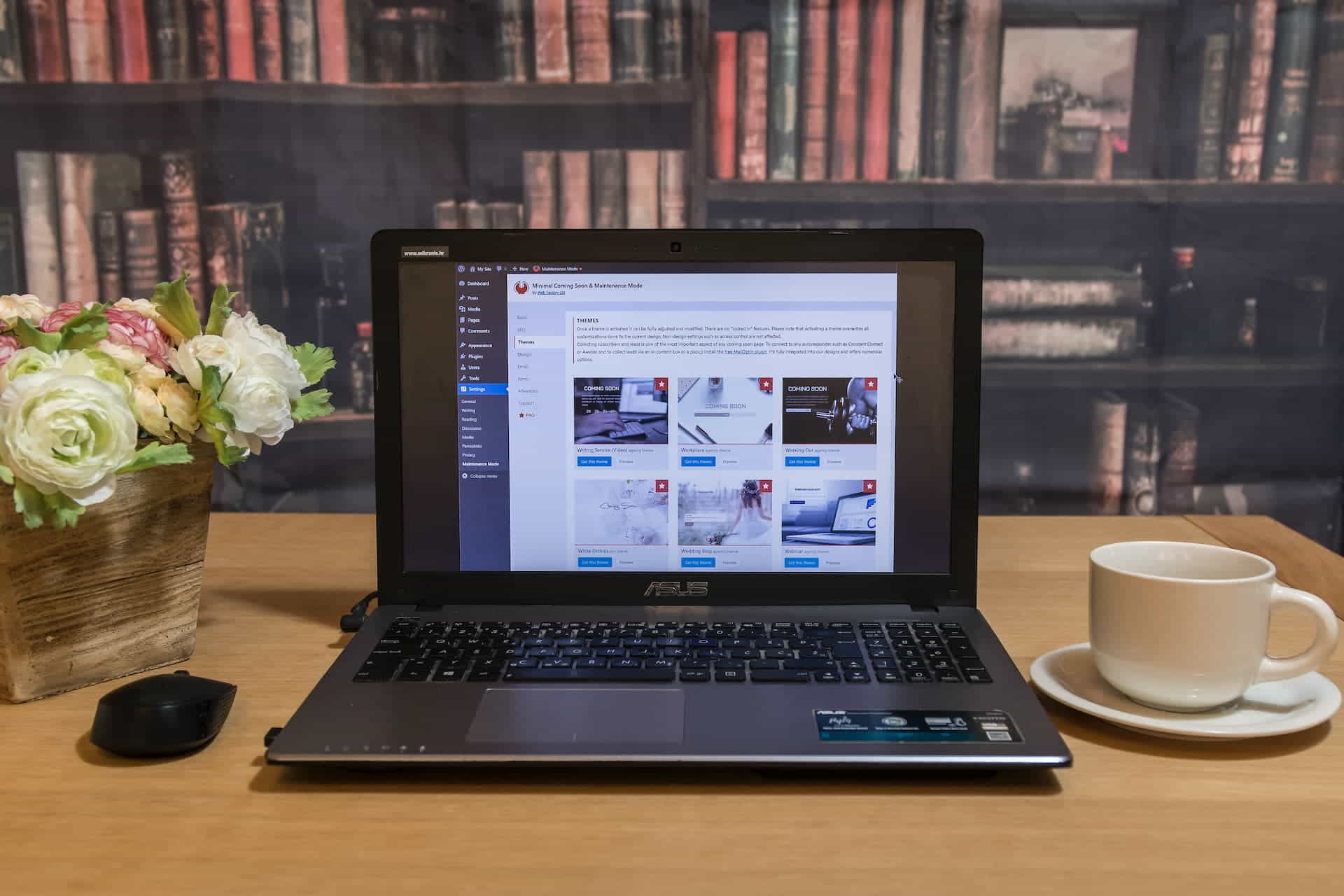
WordPress is the best website builder for beginners due to its usability, adaptability, supportive community, SEO optimization tools, and cost-effectiveness. This comprehensive guide covers the platform’s usability, flexibility, community support, SEO, and affordability. WordPress lets novices build and manage websites.
This informative guide explains why beginners should use WordPress and how robust the community is and how it can help you overcome website-building obstacles. We’ll also explore the platform’s excellent SEO optimization options to boost your website’s visibility.

Create an SEO Plan for Your Website

Using WordPress is Easy Because it Does Not Require Coding
“WordPress is the ultimate canvas for designers, offering limitless possibilities to create, innovate, and make an impact in the digital world.” – David Airey, Renowned Graphic Designer
Ease of Use for Beginners and Nearly Unlimited Functionality Options to Grow Your Website
WordPress has an easy-to-use interface that benefits newbies. You can make a great website without coding or design knowledge. Drag-and-drop page builders like Elementor and Beaver Builder let you arrange website pieces without coding. These simple tools allow you to build stunning, functional websites without knowing complicated coding languages. This saves time and hassle and lets you focus on other website tasks like content generation and promotion.
WordPress’s easy interface and drag-and-drop page builders make it an excellent choice for beginners who want to develop a beautiful website without technical intricacies. WordPress is ideal for bloggers, entrepreneurs, and beginners.
Quick Installation and Setup
One of the top reasons WordPress is the best website builder for beginners is that it is simple to use. The one-click installation makes constructing a website with many web hosting providers easy, and you can learn How to Install WordPress in Minutes by following this quick setup guide. Once installed, you may customize your site’s look and feel with thousands of free and premium themes.
Without design abilities, these themes let you construct a distinctive and professional website. Plugins allow you to effortlessly add functionality to your site, from contact forms to social media integration.
Unrivaled Customization Options
WordPress can be easily modified, making it an attractive choice as the best website-building platform for novices. Around 58,000 plugins are available in the WordPress Plugin Directory, allowing you to expand the capabilities of your site easily.
You don’t need to know how to code to use these plugins to increase your site’s functionality. Whether you need to add a contact form, integrate social media, or improve your search engine optimization, a plugin is accessible for practically any demand.
Having such granular control over your website’s appearance and functionality helps it stand out from the crowd and lets you tailor it to your exact requirements. WordPress is the best option if you want a flexible, easily modified platform on which to create and maintain your website.
Over 10,000 Free Themes are Available
To find the right theme for your website, visit WordPress.org. Installing and tweaking themes for your brand is simple. WordPress’s extensive theme collection lets you match your website’s content and audience. There are themes for everyone, from minimalist to extravagant.
Even a non-designer can customize a WordPress theme. Most themes have built-in color schemes and font styles to customize your website to match your brand and vision.

Over Ten Thousand Free WordPress Theme Downloads
Plugins
- E-commerce: Easily transform your website into an online store with plugins like WooCommerce.
- Contact forms: Add contact forms to your site with plugins like WPForms.
- Security: Protect your website from hackers and spam with plugins like Wordfence.
- SEO: Optimize your website for search engines with plugins like Yoast SEO.

Community Support for Beginners is Just a Click Away
Community and Support
WordPress has millions of active and supporting users. You’ll get access to many resources, tutorials, and forums to learn and solve problems. The community helps beginners and experts alike. Get answers, connect with other users, and get comments on your website design and operation.
WordPress’s community is a major benefit over alternative website builders. It encourages creativity, innovation, and platform learning. And with the support you can learn How to Leverage the WordPress Community for Better SEO so your website will rank higher on Google, Bing, and other search engines.
WordPress Forums
Developers and users benefit from the WordPress Help Forums. These forums are full with advice and answers to common issues.
The help forums are great for WordPress inquiries and technical issues. Search for conversations, post questions, and interact with other users who share your interests.
WordPress users are friendly and helpful. Members are willing to help, advise, and share their knowledge. This fosters a nurturing, learning environment.
More Tutorials and Guides
Countless tutorials and guides are available online, covering everything from basic setup to advanced customization. With so many resources, learning WordPress is easy and enjoyable.
SEO Optimization is Better and Easier
WordPress’ SEO tools are another benefit. These qualities make your website search engine-friendly, increasing organic visitors. These tools let you SEO-optimize title tags, meta descriptions, and URLs. Yoast SEO and All in One SEO help boost your website’s SEO.

All In One SEO WordPress Plugin
SEO optimization elements help your target audience find your website and content by ranking higher in search engine results pages. This can boost website traffic, engagement, and revenue.
SEO Plugins
Yoast SEO and Rank Math are WordPress SEO plugins that can enhance your website’s content and boost its search engine ranks. Keyword optimization, meta descriptions, and sitemaps are among these plugins’ SEO functions. They also suggest ways to optimize your content for readers and search engines.
Mobile Responsiveness
Most WordPress themes are mobile-responsive, so your website will appear excellent on all devices. Google promotes mobile-friendly websites in its search results, making this feature crucial for SEO.
A mobile-responsive theme lets you give visitors a smooth experience on any device. This increases traffic and search engine rankings. WordPress themes are mobile-friendly and customizable in color, font, and layout. You can customize your website’s look while keeping it mobile-responsive.

A Cost-Effective Solution for Beginners
A Cost-effective
WordPress is great for budget-conscious novices. The platform, themes, and plugins are free. Premium options are cheaper than other website builders, making them an excellent option for budget-friendly website creation. Its large library of free and low-cost solutions lets you design a great-looking, budget-friendly website.
WordPress’s cost doesn’t compromise quality or functionality. With free themes and plugins, you can build a well-designed, SEO-optimized website that meets all your demands. WordPress’s affordability benefits beginners building a website on a budget, and with its free and low-cost themes and plugins, you can construct a beautiful and effective website.
WordPress Offers the Most Free and Low-Cost Resources
WordPress is perfect for low-budget starters. Several themes and plugins are free, as is the platform. Compared to other website builders, premium options are generally cheaper, making WordPress a fantastic choice for individuals who wish to construct a professional and functional website without breaking the bank. With its extensive library of free and low-cost alternatives, you can design a website that looks and operates excellently on a budget.
Another fantastic thing about WordPress is that it is affordable without sacrificing quality or usefulness. You can build a well-designed, search-engine-optimized website with free themes and plugins. Low cost is a significant benefit for anyone trying to develop a website on a budget. Its free and low-cost themes and plugins allow you to construct a beautiful and functioning website without overspending, making it a great alternative for anyone wishing to succeed online without spending a lot.

The Best Website Builder for a Creative Design Process
Final Words on Why WordPress is Best for Beginners, and Professionals Alike
There is no better solution for beginners than WordPress because of its user-friendliness, flexibility, community support, search engine optimization (SEO) features out of the box, and low price. WordPress allows users of all skill levels to construct professional-looking websites easily.
Most people agree WordPress is the best website builder for beginners, and that is a fact since more websites are created using it than any other CMS or site builder. It is the right choice if you need something that provides all the tools necessary to launch a successful website, from an intuitive interface and configurable themes to active support forums and search engine optimization tools. In addition, the platform’s low cost means you can expand your web footprint without breaking the bank.
Disclosure: Some of the links in this post may be “affiliate links.” If you click on one of those links and purchase the item, I will receive a commission, but it will not increase your cost.
Affiliate Links
The links in the article’s text are not affiliate links, however the links below are. We use the hosting service stated below for our network’s 100+ websites and the WordPress theme for the majority of the websites we create for our firm and our clients.
- Web Hosting that is fast and stable at a low cost, as well as Turbo hosting for resource-intensive websites such as WooCommerce stores.
- The Divi WordPress Theme is beginner friendly, includes incredible support, affordable, and the #1 best selling WordPress theme in the world.

James Turner
Author/Copywriter
