

WordPress shines like a beacon in the dynamic world of web development platforms. It’s more than simply a tool; it helps those who aren’t particularly tech-savvy discover the joys of the Internet for the first time. As we venture further into this territory, we’ll seek clarity on the myriad facets of WordPress user roles. Whether you’re a seasoned developer or just setting out on your digital voyage, together, we’ll unearth the hidden gems that make WordPress so unique and integral. So, come along as we journey through the layered depths of this remarkable platform.
A Question About WordPress User Roles
Cindy H. Asked: “I’ve just started using WordPress and am a bit overwhelmed. Can you define user roles and why they are important?”
Answer:
Absolutely! WordPress user roles define the permissions for user actions, such as publishing content, managing plugins, or even altering core settings.
WordPress Tip:
10 Reasons Why You Need to Hire a WordPress Website Designer
“If you still use ‘admin’ as a username on your blog, change it.” – Matt Mullenweg
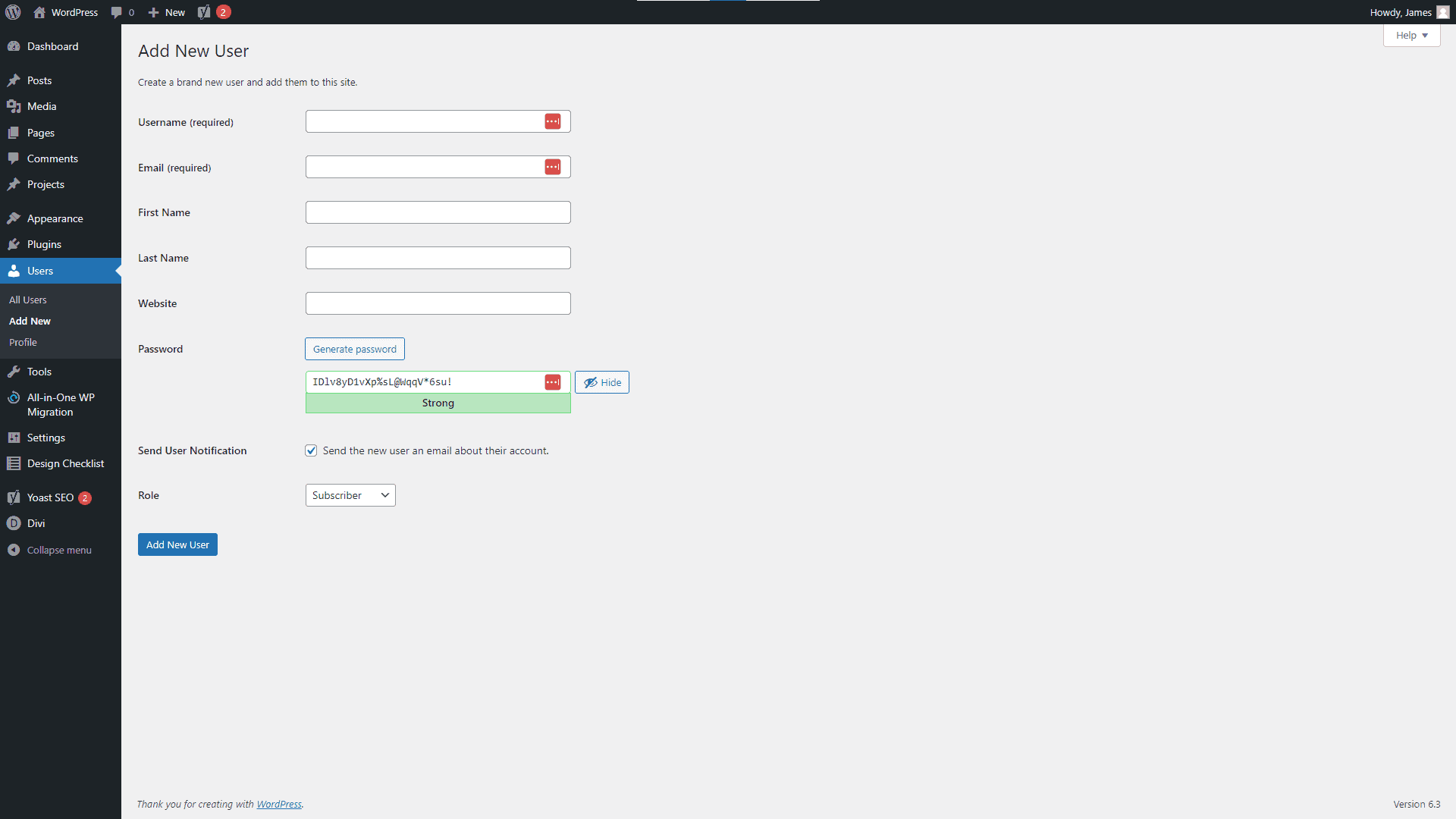
WordPress Dashboard Add New User Screenshot
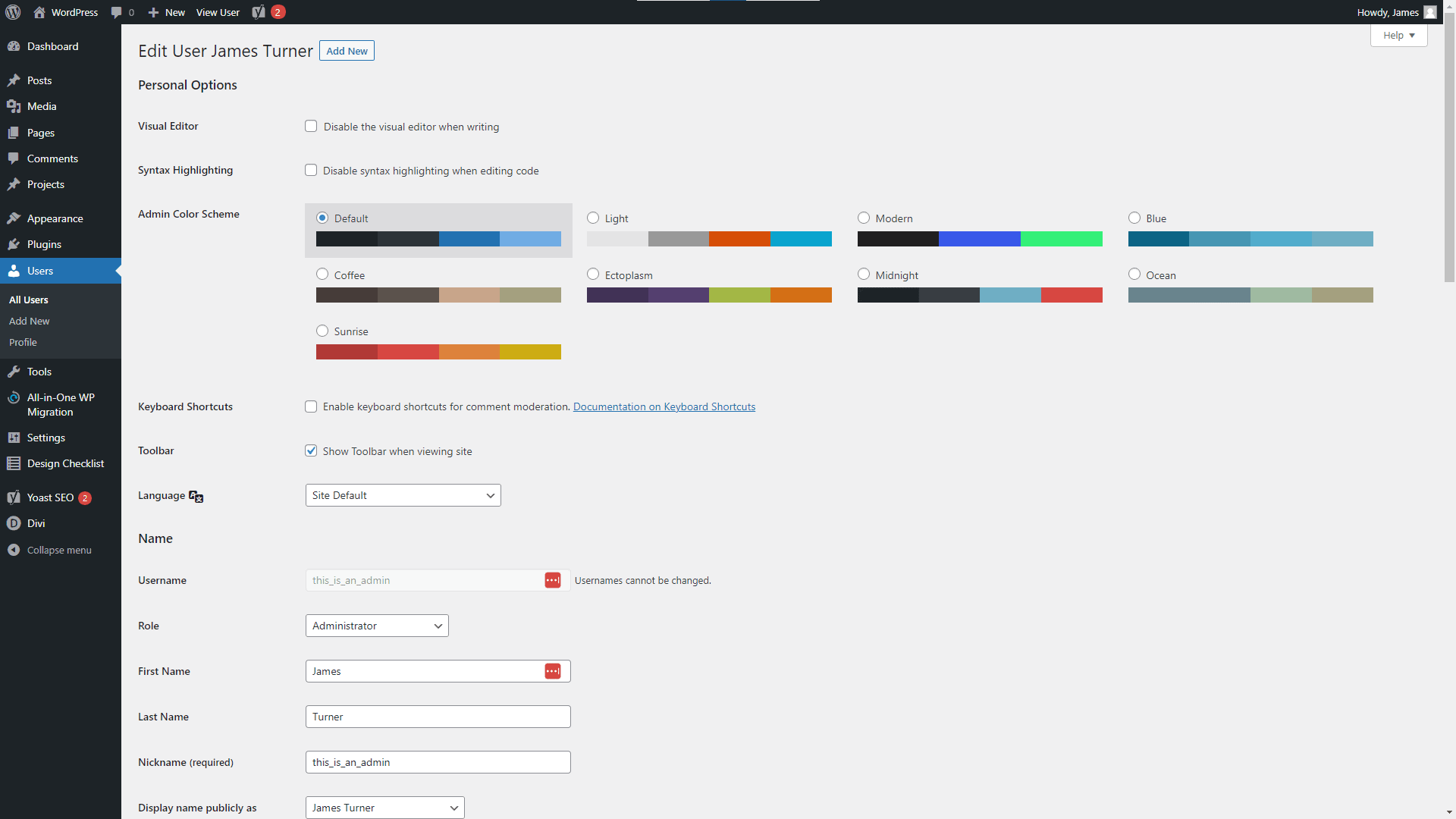
WordPress Dashboard User Profile Screenshot
WordPress User Roles Explained
Just as a ship needs its crew, each playing a distinct role, WordPress websites require varied users, each with its permissions. Imagine being the captain but being restricted from steering the ship—that’s precisely why understanding WordPress roles is paramount!
The All-Powerful Administrator
Ah, the Administrator! This is the digital realm’s captain. Holding the map to every nook and cranny of your WordPress website, they can venture everywhere, from the deck (your content) to the ship’s treasure chest (plugins and themes).
WordPress official documentation perfectly describes this role as the master of the domain.
The Watchful Eye: Editor
The Editor, our first mate, oversees the content landscape, ensuring that stories are well-told and messages sail smoothly. However, they’re bound by certain limitations. For instance, they can’t modify the ship’s structure or appearance.
The Talented Author
Every ship has its storyteller, and in WordPress, it’s the Author. They can weave and share their tales, but they can’t meddle with others’ stories.
The Humble Contributor
Remember the sailor who’d sometimes bring tales from distant lands? That’s our Contributor—providing stories but waiting for the Editor’s nod to share them with the world.
The Loyal Subscriber
The audience, or the Subscriber, awaits the tales and adventures. Their role? To listen, engage, and be a part of the journey.
FAQs: Answering the Unsung Questions
Why is role management essential in WordPress?
Role management helps organize the workflow, ensuring that users have access only to areas relevant to their responsibilities. This not only enhances efficiency but also secures your site from unintentional changes.
Can I create custom user roles?
Absolutely! With plugins like User Role Editor, you can tailor roles to your website’s unique needs. Think of it as customizing roles on your ship.
How do I change a user’s role?
Changing roles is a breeze. Navigate to your WordPress dashboard, head to ‘Users’, select the user, and alter the role from the dropdown. It’s like assigning new duties on deck!
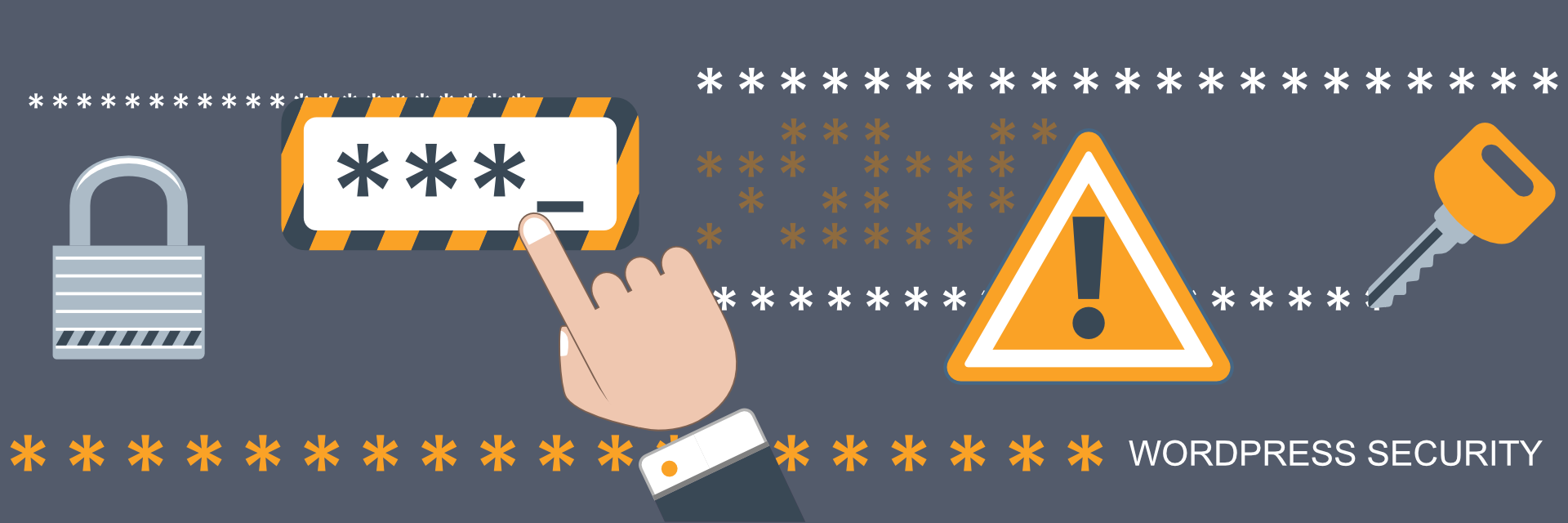
Security Starts With Strong Usernames and Passwords
Final Thoughts & Recommendations on Understanding WordPress User Roles
- Review roles periodically, ensuring they align with the user’s tasks.
- Limit the number of Administrators. A ship with too many captains can sink!
- Choosing the Right Web Hosting Company for Your Business
- Consider using workflow plugins for multi-author websites to streamline the content approval process.
- Always backup before making significant role changes. Better safe than sorry.
- Stay updated with WPBeginner for the latest on WordPress roles and capabilities.
Disclosure: You may find affiliate links to beneficial resources within this article. You won’t pay more for using our link, but we’ll get a commission. This supports our content creation, and we only suggest products we genuinely believe in. Thank you for being so understanding!
Affiliate Links
- Web Hosting that is fast, dependable, and affordable.
- The Divi WordPress Theme is the #1 best selling WordPress theme.

James Turner
Author/Copywriter
