

A WordPress site’s color design can make all the difference in drawing in and keeping users. Let’s examine how to choose the perfect color scheme for your WordPress site by developing an audience-resonant, accessible, and visually pleasing color scheme.
Question by Millie H.:
How can I ensure that my chosen color scheme enhances the readability and accessibility of my WordPress site?
Answer:
High contrast between text and backdrop colors will improve readability and accessibility. You may find out if the colors you choose adhere to accessibility guidelines using tools like WebAIM’s Contrast Checker. Consider color blindness as well. Use simulators like Coblis to test how your website appears to color-blind users and make any required changes. This guarantees a wider audience for your website and improves user experience for all.
WordPress Website Mockup Using Vivid Colors
Mockup of a Colorful Website
“Choosing the right colors for your website is like picking the perfect outfit for a first date. You want to impress without overwhelming – make a lasting impression without blinding anyone with neon!” – James T.
Calm and Professional WordPress Website Mockup
Why a Cohesive Color Scheme Matters
Your website looks better, but a well-considered color scheme does more. It enhances user experience, helps create your brand identity, and may even affect the feelings and behaviors of your visitors. A jumbled and amateurish color scheme on your website can turn off potential customers, so keep on reading for more tips on how to choose the perfect color scheme. To learn more about the colors and styles that are popular check out this article on Latest Trends in WordPress Website Design.
Understanding Color Psychology
Colors profoundly influence our feelings and actions. The following briefly summarizes the ways in which various colors might affect your audience:
Red: Passion and Urgency
From love and passion to haste and excitement, red can arouse powerful feelings. Call-to-action buttons benefit much from it, but use it wisely to prevent overloading your visitors.
Blue: Trust and Calm
Blue is often associated with professionalism, serenity, and trust. It’s a common option for corporate websites and brands that wish to project reliability.
Green: Growth and Health
Green represents health, growth, and nature. It’s a great option for sites that emphasize wellness and the environment.
Yellow: Optimism and Energy
Bright and cheerful, yellow can be difficult to read on displays. Highlights or accents with it might bring a little optimism without taxing the eyes.
Mockup of a WordPress Website With Vivid Colors
Tools for Creating Color Palettes
Though it can be intimidating to start from scratch, there are a few free resources that can assist:
Adobe Color
Create and save color palettes, investigate popular schemes, and even extract colors from an image with Adobe Color. All levels of designers will find it to be a potent tool.
Coolors
A further great program for creating color schemes is Coolors. Designing palettes is made simple with its user-friendly interface, which allows you to do so fast.
Testing Your Color Scheme
Test your colors for accessibility and readability as soon as you’ve selected them. Here are some pointers to make sure your color palette appeals to everyone.
Check Contrast Ratios
Make sure the background and text colors contrast enough. This increases readability and opens your website to those with visual impairments. Test and modify your color selections with tools like WebAIM’s Contrast Checker.
Consider Color Blindness
A sizable percentage of people suffer from color blindness in some capacity. See how your website appears to color-blind visitors with tools like Coblis, then make the required changes.
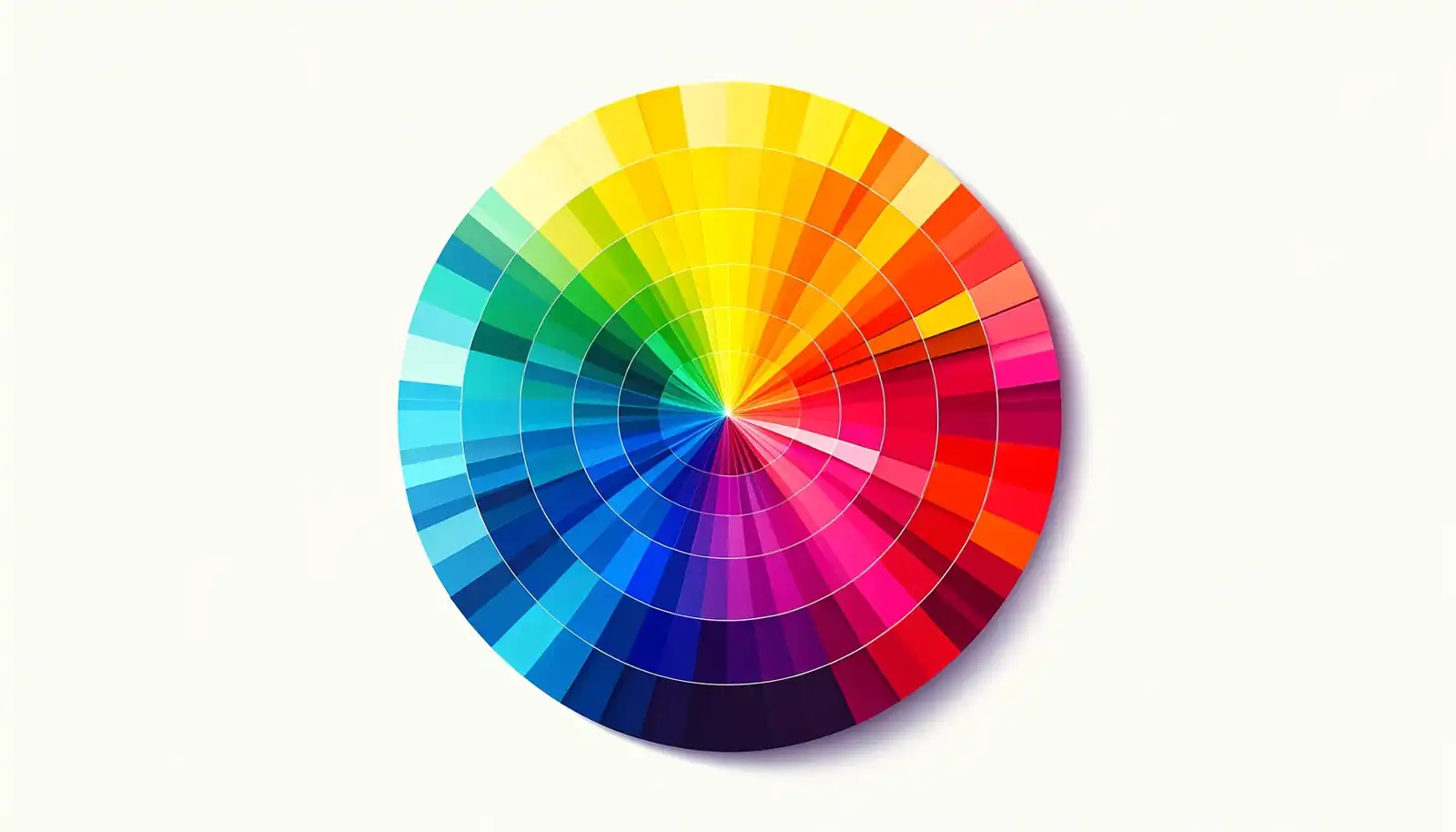
Vibrant Color Wheel Showcasing a Variety of Hues
Final Thoughts on How to Choose the Perfect Color Scheme
Selecting the ideal color scheme for your WordPress website involves more considerations than only aesthetic ones. It’s about building an audience-resonant, easily navigable, and polished website. Your website may look fantastic and work well if you use the correct tools, understand color psychology, and test your decisions.
Disclosure: You may find affiliate links to beneficial resources within this article. You won’t pay more for using our link, but we’ll get a commission. This supports our content creation, and we only suggest products we genuinely believe in. Thank you for being so understanding!
Affiliate Links
- Web Hosting that is fast, dependable, and affordable.
- The Divi WordPress Theme is the #1 best selling WordPress theme.

James Turner
Author/Copywriter
